
Fantasy World Manager vs WorldBox: Build It or Watch It?
Fantasy World Manager is a build-it-yourself world sim; a WorldBox-style automatic mode is planned, not the main mode.
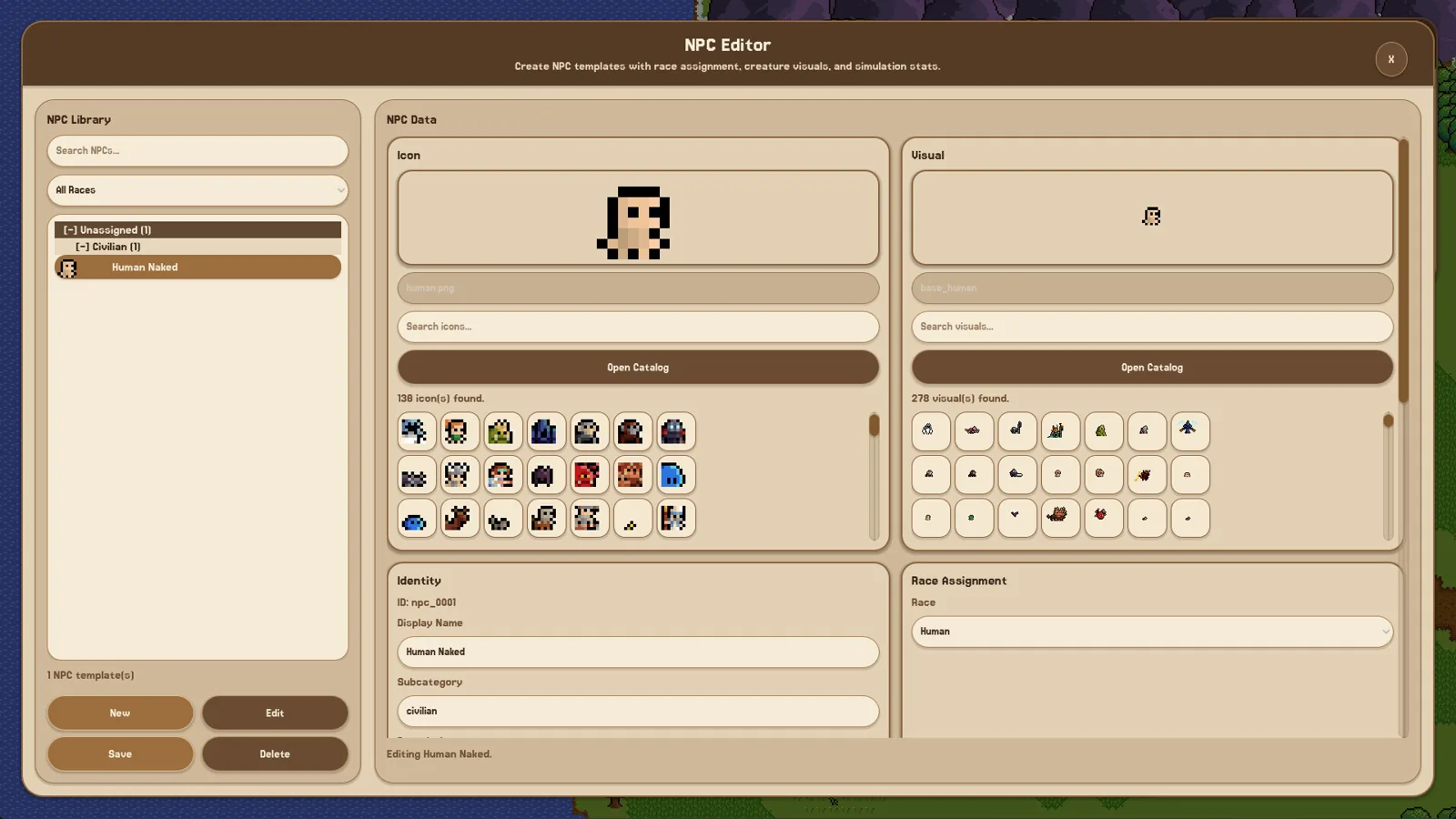
Table of Contents
Short answer: Fantasy World Manager is the more authored option. In its main mode you design the map, peoples, factions and content yourself, then watch the simulation use what you built. It is not a hands-off world that expands on its own. The developer has described a future “Worldbox Mode” with automatic play as planned, but in the June 15 Steam discussion that was a future mode, not the main game. The official Steam page lists Early Access for October 28, 2026.
What the comparison really turns on
The WorldBox comparison is less about matching features one-for-one and more about what you want to do minute to minute.
In the Steam discussion thread, one player praised Fantasy World Manager for letting them create animals, monsters, items and tools from scratch, a level of editing freedom they said WorldBox did not give them. The same player then asked for NPCs that build, expand and run politics on their own — the automatic side of a god-game simulation.
The developer’s reply draws the line clearly. Fantasy World Manager’s main mode is build-first: you place the world, and it does not build itself. There is also no destruction in the main mode. A “Worldbox Mode” where everything is automatic is described as planned for the future, while the main game stays focused on building yourself.
That is the practical difference to keep in mind: you are the author in Fantasy World Manager, not just the observer.
What you get in Fantasy World Manager
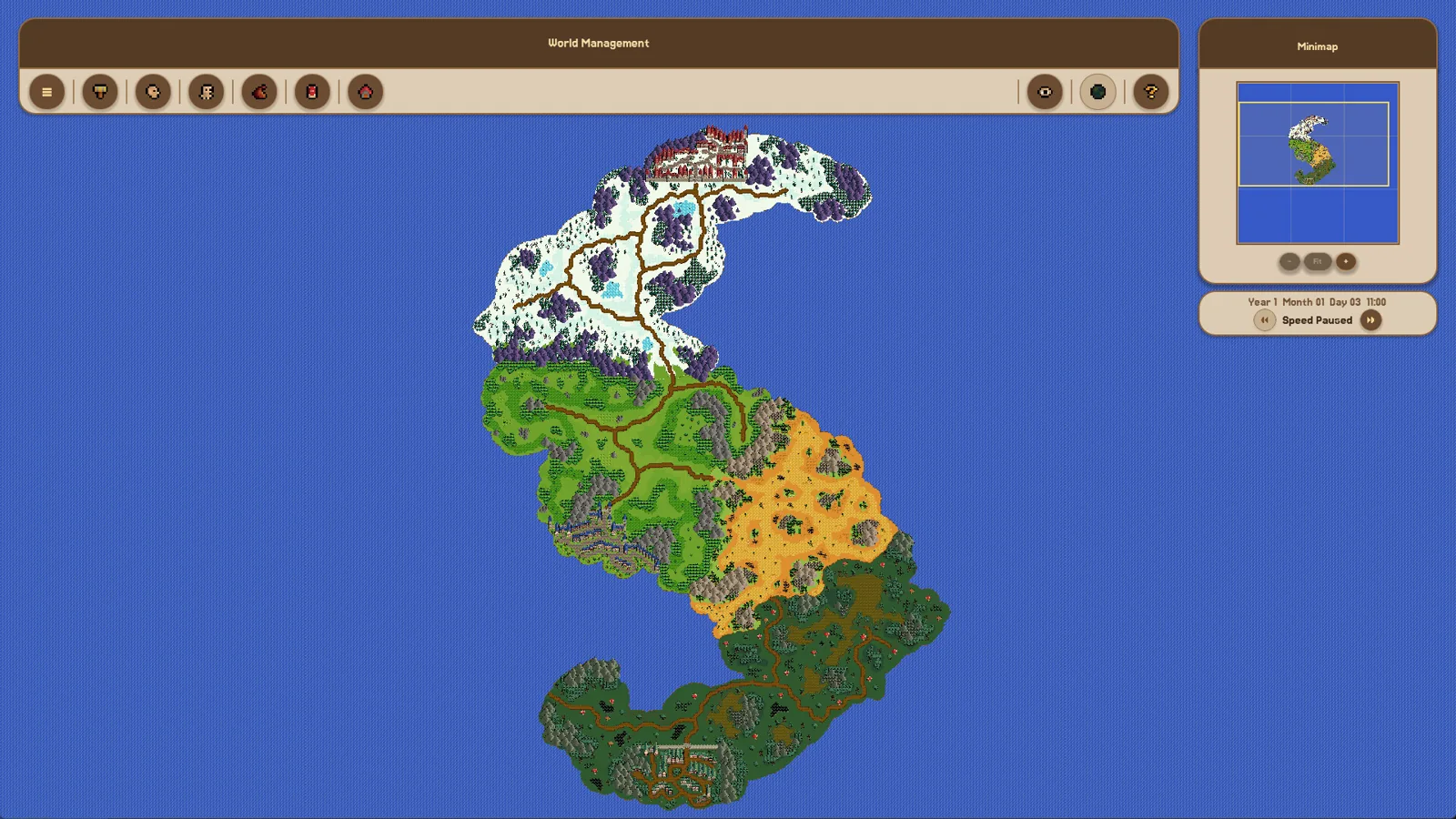
The Steam page calls it a gamified tool for creating, simulating and observing living fantasy worlds. The Early Access description mentions 18 classes and 21 biomes, plus races, cultures, religions, factions, NPCs, creatures, monsters, items, weapons, armour and more.
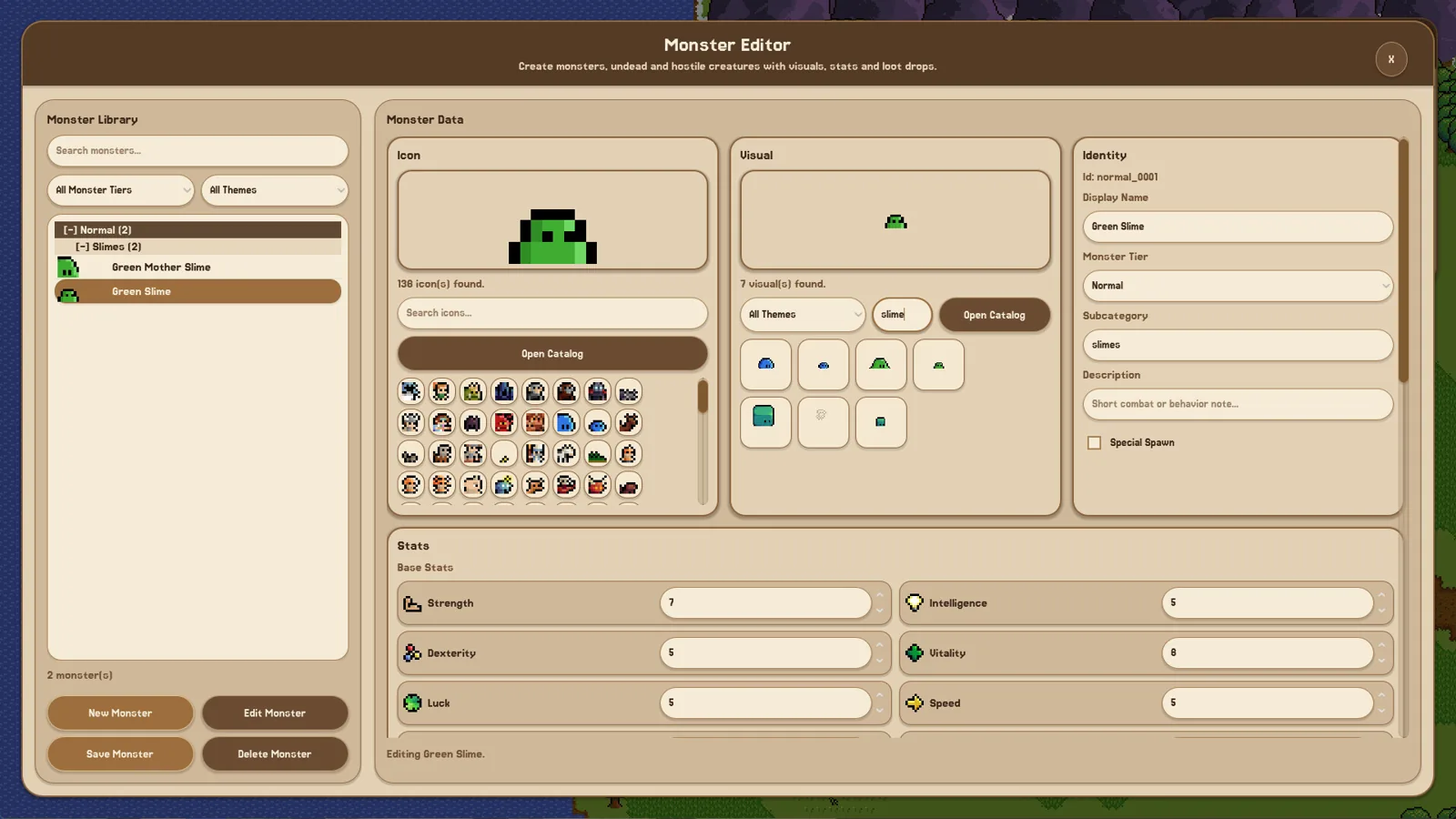
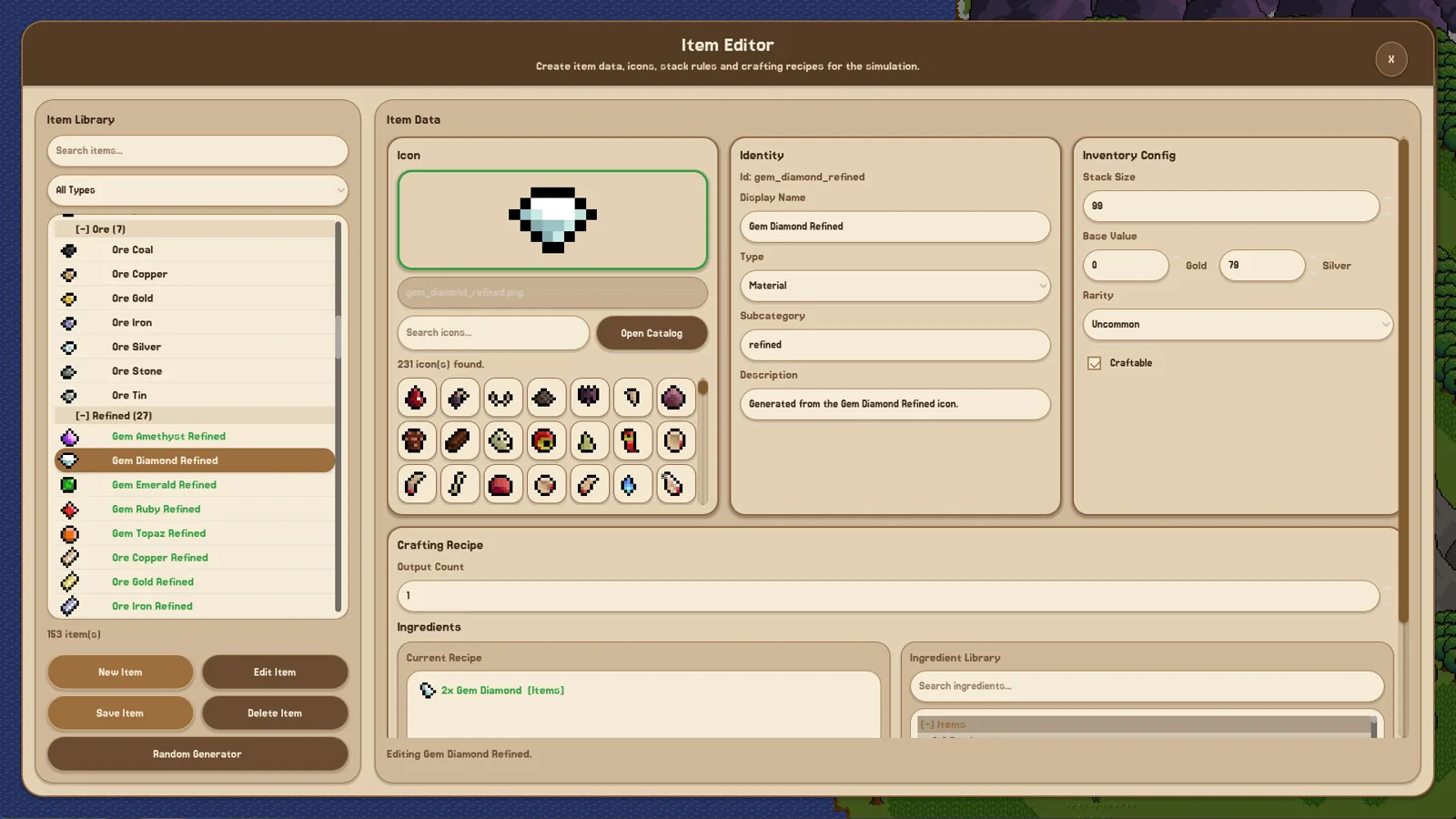
The editing side is unusually broad for the genre. The listed tools include Exterior Map, POI, Zone, Race, Culture, Religion, Faction, NPC, Animal, Monster, Item, Weapon, Armor and Accessory editors, along with creature control and the underlying simulation.
The simulation is real but still growing. The developer’s October 15, 2026 launch post says there is still a lot of work to do on the simulation side, while expressing confidence in the building side. Demo patches added government types, personality traits, royal families and noble houses, hunger, crafting and professions — useful evidence that the systems are being built out, not that they are finished.
Which fits your play style
| What you want | Better fit | What to expect |
|---|---|---|
| To create races, factions, items, creatures and maps yourself | Fantasy World Manager | Deep editor work; the world starts from your choices |
| To place a map, then watch heroes, factions and creatures act | Fantasy World Manager | You still set up zones, POIs and spawns; the simulation uses your setup |
| A world that expands, builds and fights with little input | Not the main Fantasy World Manager mode | A “Worldbox Mode” with automatic play was described as planned, not current |
| Destruction as a main activity | Not the main Fantasy World Manager mode | The developer says there is no destruction in the main mode |
| To compare against WorldBox specifically | Check the current demo or build | The WorldBox comparison centres on automatic simulation and autonomous expansion |
Practical checks before you compare
Houses are not functional just because you painted them. The Exterior Editor is the visual layer. To make a house work, the developer says you add a House POI through the POI Map Editor; capacity is configured in the Template Editor. Prefabs make this faster. If you skip that step, you have scenery, not housing.
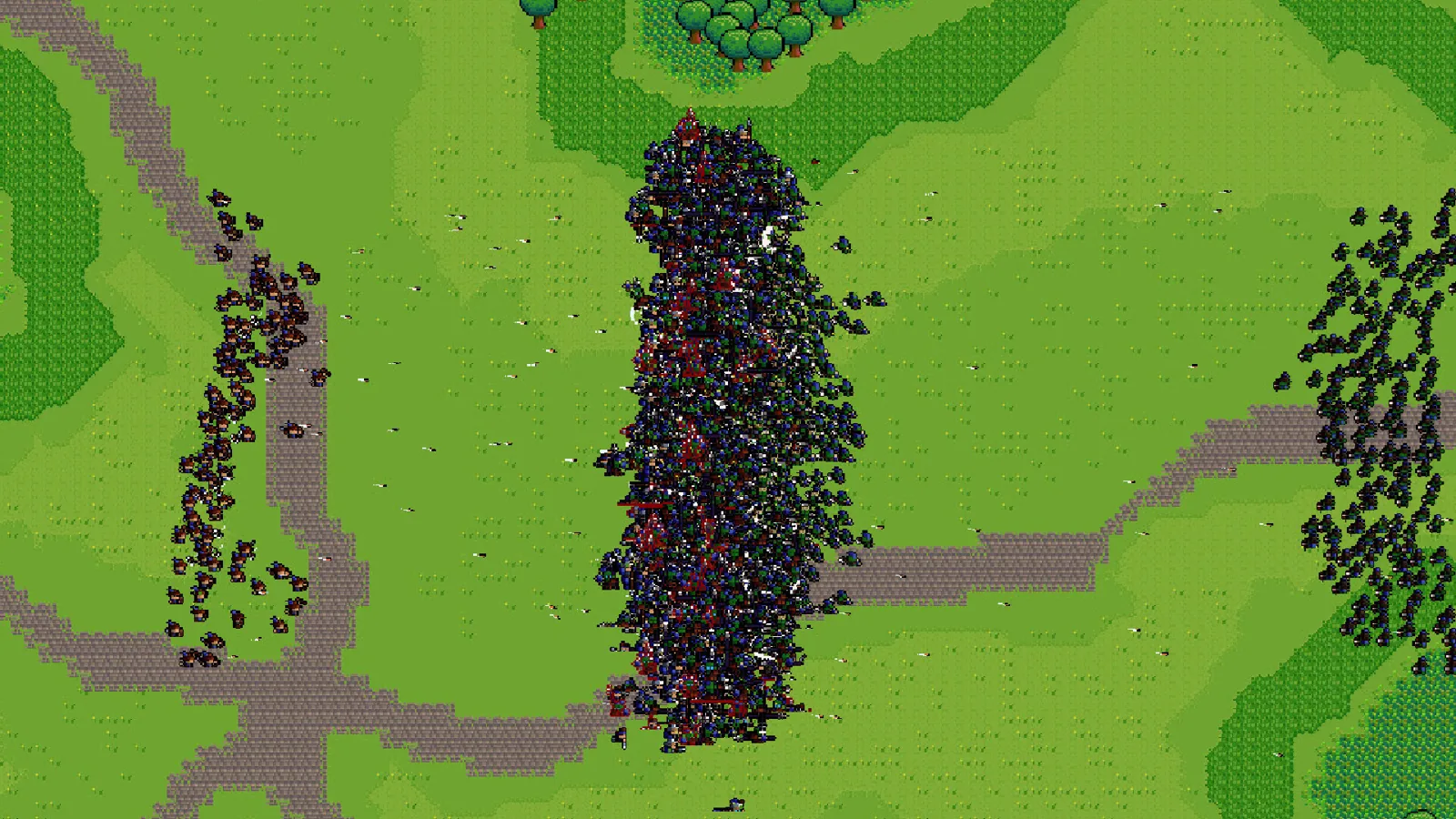
Expect editor work, not a single “start” button. A Steam Next Fest demo playthrough described the game as menu-heavy and editor-driven, with much of the session spent in zone, POI and item editors. The player also found it hard to read what the simulation was doing. That is one player’s demo experience, but it is a useful warning: the appeal depends on enjoying the tools.
Watch the simulation side, not just the feature list. The developer’s own launch post separates confidence in building from ongoing work on simulation. If your main reason to buy is a WorldBox-style automatic world, the planned mode is the feature to follow — not something the main mode already delivers.
FAQ
Is Fantasy World Manager like WorldBox?
Partly. It shares the idea of a living fantasy world you observe and influence, but its main mode is authored: you build the world and give it functional pieces. It is not a fully automatic world that runs itself.
Does Fantasy World Manager have a WorldBox mode?
As of the June 15 Steam discussion, the developer described a “Worldbox Mode” where everything is automatic as planned, while saying the main game will focus on building yourself. That post treats it as a future mode, not the current main mode.
Fantasy World Manager vs WorldBox — which should I pick?
Pick Fantasy World Manager if you want to create the races, factions, items and map yourself and then watch the simulation use them. If you want a world that builds and expands on its own with minimal input, the main Fantasy World Manager mode is not that; the planned automatic mode is the part to watch.
Can I destroy the world in Fantasy World Manager?
The developer says the main mode has no destruction. The world also does not build itself in the main mode. Those are deliberate differences from the automatic, destructive style players associate with WorldBox.
Related guides for this game
Comparison Guides Index
Fantasy World Manager Review: What Demo Players Found
No player reviews exist yet for Fantasy World Manager, which unlocks in Early Access on October 28, 2026. Here is what demo players and the developer report.
Media Guides Index
Fantasy World Manager Gameplay: Build Then Watch
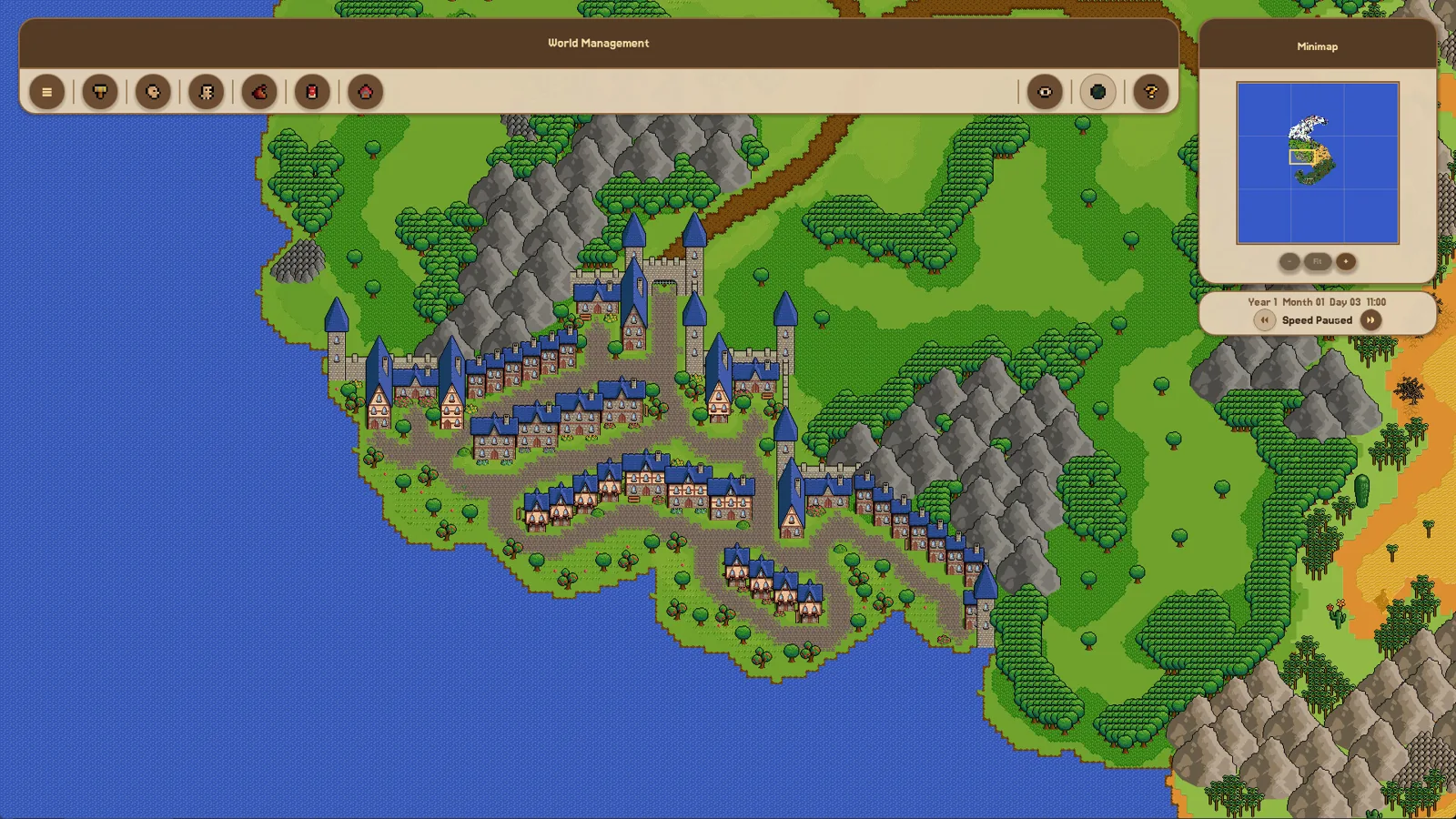
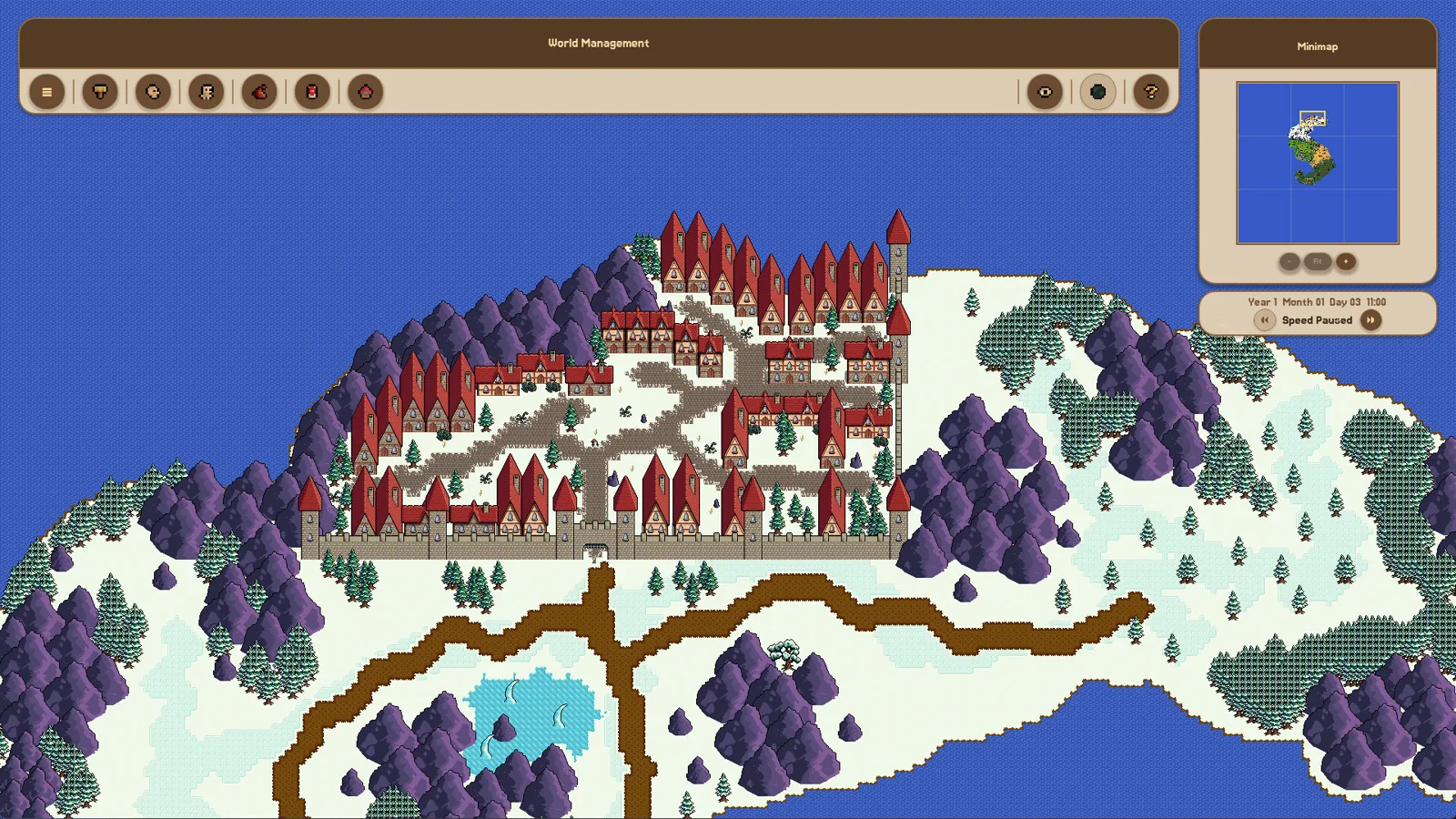
Fantasy World Manager gameplay: paint a map, define items, races and factions in editors, then watch heroes and settlements simulate it.
Fantasy World Manager Trailer: Where and What to Watch
Where to watch the April 2026 announcement trailer, what its scenes cover, and how the demo's simulation compared with the trailer's promises.
Guide Guides Index
Fantasy World Manager how to build houses: POI & Prefab Tips
Houses in Fantasy World Manager are placed as building POIs with footprints and entry markers, then filled by simulated residents; prefabs speed it up.
Access Guides Index
Fantasy World Manager Demo: What Was Available
The demo launched before Steam Next Fest in June 2026 with locked editors; the official Steam page did not list a demo download as of 24 October 2026.
Fantasy World Manager Download: Where to Get It
Fantasy World Manager isn't downloadable as a full game yet — the Steam page lists Oct 28, 2026 for Early Access. Where to get it, price, and demo status.