
Fantasy World Manager Game Speed: Demo Settings
How time and speed work in the Fantasy World Manager demo: the x1 to x5 time modifiers, how long an in-game year takes at x5, and why the sim feels slow.
Table of Contents
In Fantasy World Manager, game speed is a time-scale setting rather than a difficulty option: the simulation running underneath your world can be sped up across several levels, with the fastest currently documented level being x5. The developer's demo patch notes record that the x4 and x5 speed modifiers were switched on in Demo Patch 4 (11 June 2026), alongside a change that cut each in-game month down from five days to one so that the calendar moves faster.
Those figures come from the demo builds that ran before the Early Access launch planned for 28 October 2026. The Fantasy World Manager Steam page does not describe the speed options in detail, so treat the numbers below as the developer's demo-era figures, not a guarantee for the Early Access build.
What the speed levels actually do
Speed changes how quickly in-game time passes, and therefore how fast everything that depends on time unfolds: days and nights for the population, population growth, hero and monster movement, faction decisions and wars. The developer has described the game as having "a slower flow of time in general" compared with typical management games, which is why the higher speed levels matter — they are the main way to move a world forward by months or years without waiting in real time.
The demo patch notes give these reference points:
| Speed | What the developer's notes say | Note date |
|---|---|---|
| x1 | A day takes about 20 minutes; a month was 5 in-game days | Patch 3, 9 June 2026 |
| x3 | A day takes roughly 6.5 minutes | Patch 3, 9 June 2026 |
| x4 / x5 | Modifiers activated; 1 in-game year takes about 48 minutes at x5 | Patch 4, 11 June 2026 |
Because Patch 4 also shortened months from five days to one, the x1 and x3 day-length figures describe the calendar before that change. The 48-minutes-per-year figure is the developer's own estimate for x5 after it.
Choosing a speed in practice
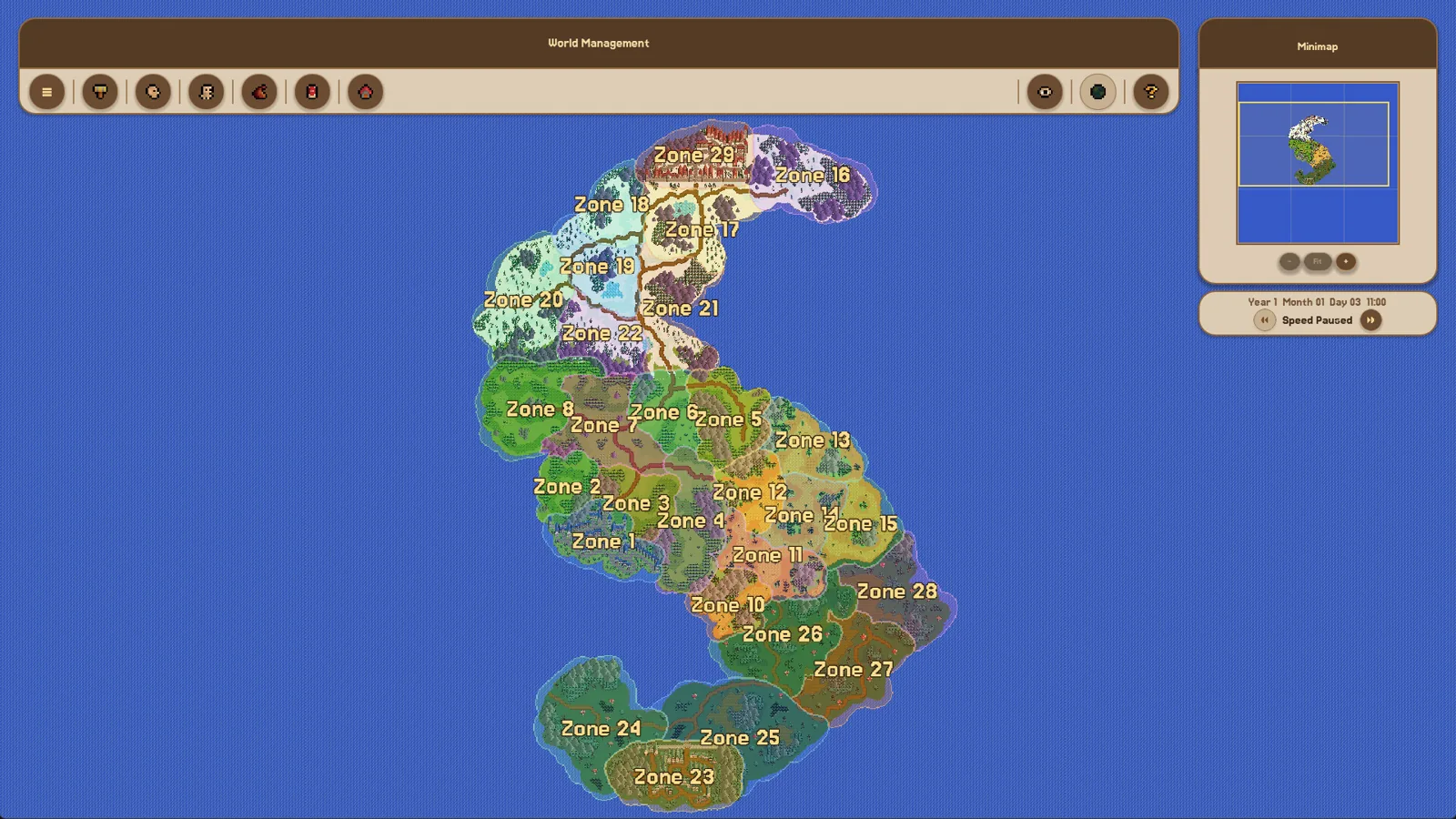
- Keep the simulation slow while you are working in the editors — painting the exterior map, placing POIs and zones, or building factions, cultures and religions. Editing is not a time-limited activity, and a slow clock makes it easier to watch a single character or settlement behave.
- Raise the speed when you want the calendar to advance: letting dynasties form, populations grow, and factions drift toward conflict.
- Remember that the simulation is not a fixed-length scenario. The developers' roadmap for the June demo listed "Balancing of Simulation and Time Pace" as an open task, so pacing was still being tuned through the demo period.
The patch notes do not record a key binding or menu path for changing speed, so check the in-game interface rather than relying on a documented shortcut.
If the world seems to stall
A slow-feeling world is not automatically a speed problem. The developer's own demo notes list known simulation issues that made the world look inactive: monsters idling after respawn, and wars failing to start in the large majority of cases because factions met their needs without conflict. Population growth speed was also called "not optimal" and tied directly to the game's slower time flow. If raising the speed does not produce visible activity, it is reasonable to suspect one of those demo-era simulation issues rather than the speed setting itself.
Related pages
- Fantasy World Manager guide for the wider worldbuilding workflow.
- How to build houses for the settlement side of a world.
- How to import and export prefabs if you would rather load ready-made content than create it while the clock runs.
FAQ
What is the game speed in Fantasy World Manager?
It is a time-scale setting with several levels, up to x5 in the demo builds, controlling how fast in-game days, months and years pass.
How long does an in-game year take at x5 speed?
The developer's Patch 4 note gives about 48 minutes of real time for one in-game year at x5 (11 June 2026).
Why does the simulation feel slow even at a higher speed?
The game deliberately uses a slower flow of time, and the demo patch notes also list population-growth balance and wars rarely starting as known issues that can make a world look inactive.
Does the x5 speed exist in the Early Access version?
The x4 and x5 modifiers are documented for the demo patches. The Steam page does not describe the Early Access speed settings, so confirm the options in the released build.
Related guides for this game
Guide Guides Index
Fantasy World Manager How to Spawn Humans in the Demo
In the June 2026 demo, humans are authored as a race and then placed with zone spawn settings — the working order, and what to check when they never appear.
Fantasy World Manager guide: Early Access first steps
A practical Fantasy World Manager guide for the Early Access launch: what to build first, where to start, and what the simulation needs from your world.
Fantasy World Manager how to build houses: POI & Prefab Tips
Houses in Fantasy World Manager are placed as building POIs with footprints and entry markers, then filled by simulated residents; prefabs speed it up.
Fantasy World Manager How to Import and Export Prefabs
How the prefab system works: import/export editor content, the default world prefab, and Workshop sharing planned for Early Access.
Access Guides Index
Fantasy World Manager Demo: What Was Available
The demo launched before Steam Next Fest in June 2026 with locked editors; the official Steam page did not list a demo download as of 24 October 2026.
Fantasy World Manager Playtest: The Demo Before Launch
No separate playtest sign-up: players tried Fantasy World Manager through the free June 2026 Steam demo ahead of the Oct 28, 2026 Early Access launch.