
Fantasy World Manager guide: Early Access first steps
A practical Fantasy World Manager guide for the Early Access launch: what to build first, where to start, and what the simulation needs from your world.
Table of Contents
Fantasy World Manager is best approached as a worldbuilding engine that feeds a simulation, not a conventional management game where clicking the right button produces a functioning town. The practical answer for a new player: build a small, complete loop first — a faction-owned city zone, a connected farm zone with real POIs, and at least one animal or monster spawn — then let the simulation run at increased speed. If your people appear idle, the usual reason is that something in that chain is missing rather than that the simulation is broken.
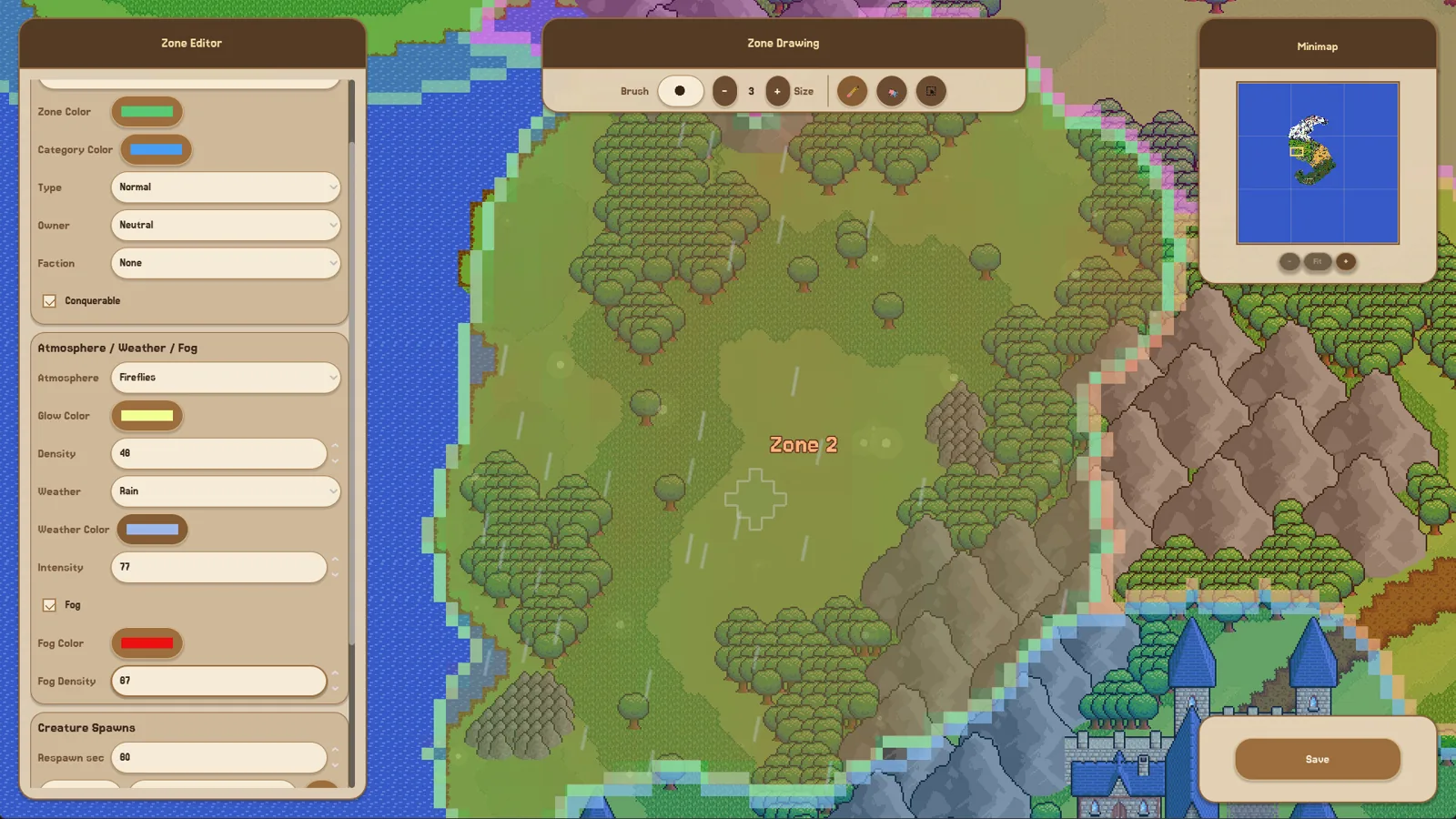
The game entered Early Access on 28 October 2026, per the official Steam page, and the developer describes it as a tool for creating, simulating, and observing living fantasy worlds. The Steam page is also the place to check whether a particular version or platform is supported; as of 2026-10-24, the Steam page lists Windows only.
Start with the tutorial, don't skip it
The demo generated a lot of confusion because the tutorial briefly walks through an ordered chain, and players who drop into a blank world afterwards often cannot reproduce it. Create the world from the tutorial first, then a fresh map once you understand the order. The in-game Guidebook (openable in editors with F1 in the demo builds described in the developer's June 2026 update) is the intended in-game reference, though the developer has said it will be expanded.
The important thing the tutorial teaches is the dependency order: land → zone → owner faction → POIs → spawns → simulation. Everything in the troubleshooting below is really about that chain.
The minimum loop that makes a world run
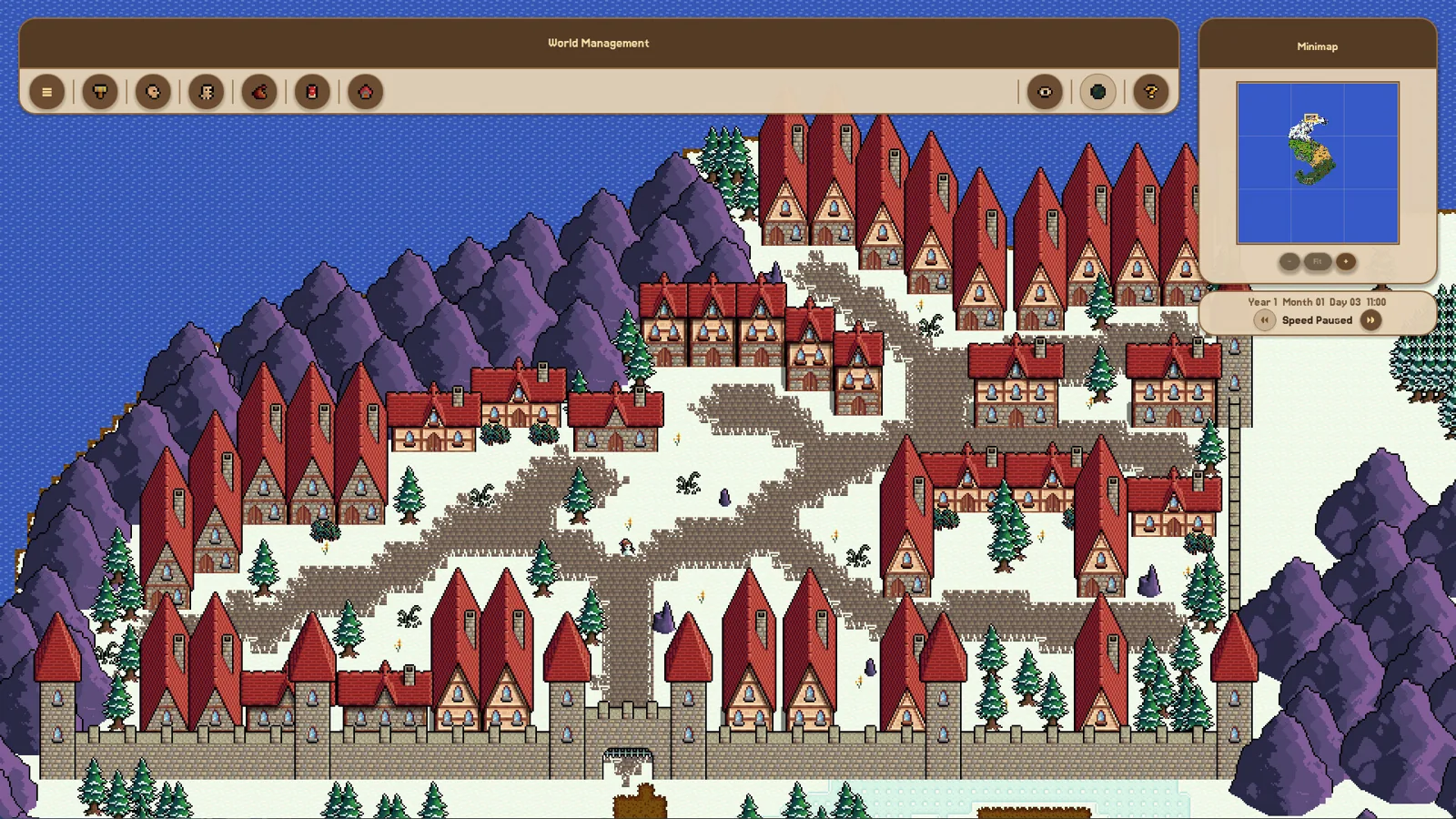
Based on the developer's patch notes and community playthroughs of the demo, a world that visibly does something needs each of these:
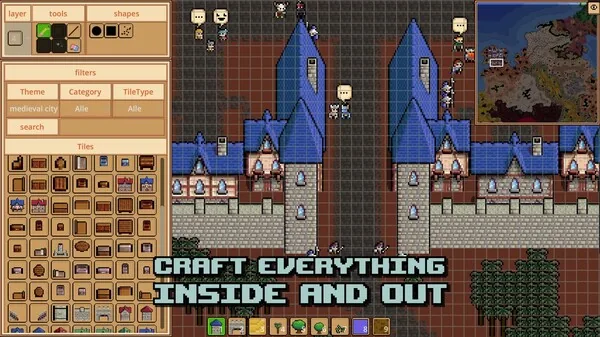
- A city zone owned by a faction. The faction is what seeds the first population. A zone painted over empty ground with no owner produces nothing.
- A connected farm zone. Zones do not interact unless they touch; the simulation's navigation needs a connected path. Paint until the farm zone's edge meets the city zone.
- POIs inside the farm zone. Trees, ore, and similar points of interest are what heroes actually gather. Decoration alone is not a resource.
- Creature spawns. Animals give food, monsters give combat and threat content. Set the spawn amount above zero and add it — a spawn entry with no count does nothing.
After that, raise the speed modifier under the minimap and wait. In the demo builds, capturing a zone could take a few minutes of simulated time, so patience is part of the method.
How much to build at once
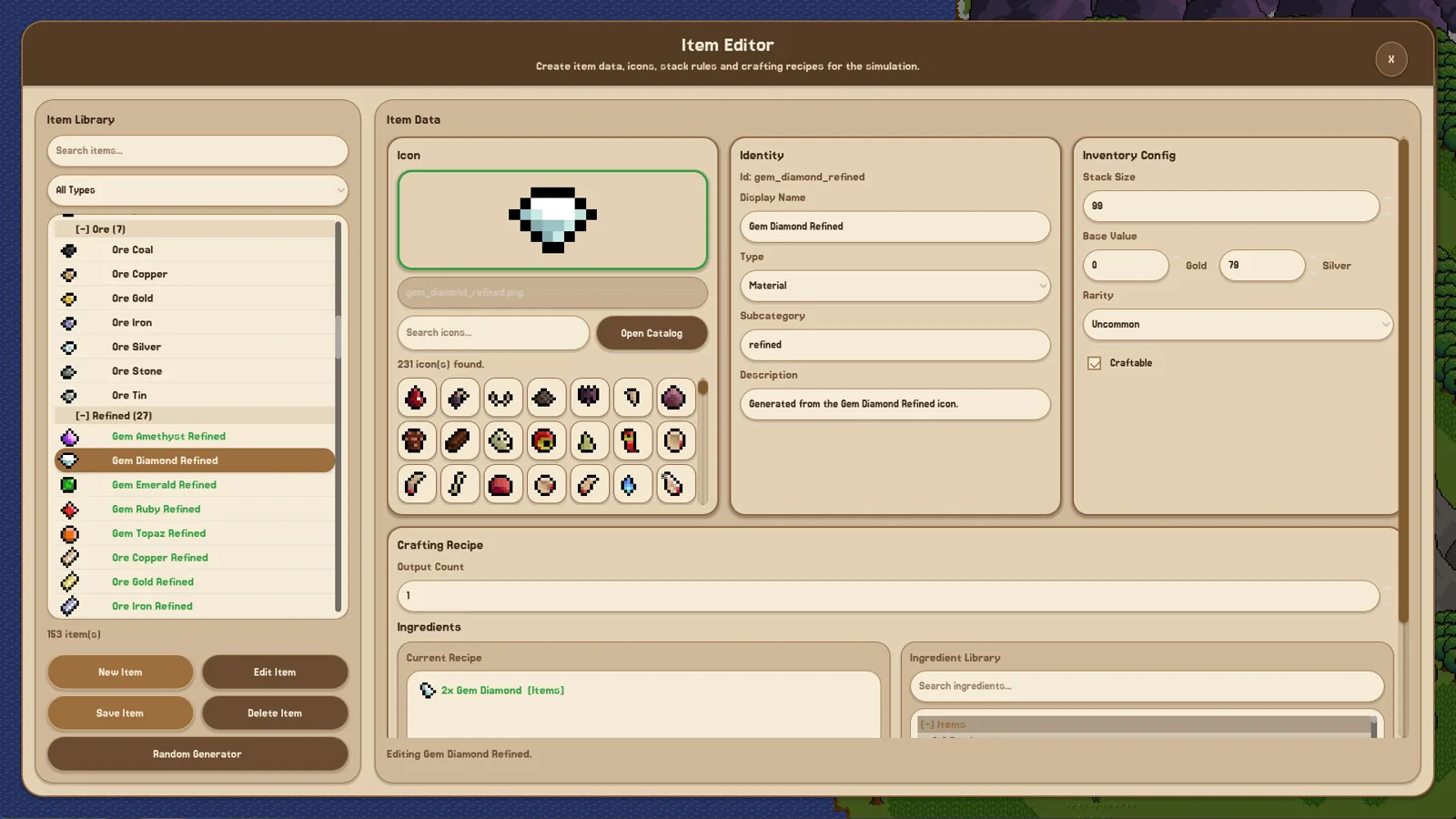
The most common new-player complaint, voiced on the Steam discussion board, is that world creation is overwhelming: you paint the map, define a wood resource with an icon and description, invent a race, culture, religion, and faction, all before seeing anything move. The developer responded there that prefabs and random generators are the intended fix, so that players are not forced through every editor for every world.
A practical schedule that follows from that: make one working faction first rather than twelve empty ones. Build a second faction only after the first one is visibly gathering and moving. Two factions placed close together with valuable resource POIs between them is also the setup the developer describes as producing conflict, since shared needs and trade otherwise suppress wars.
Saving, prefabs, and reuse
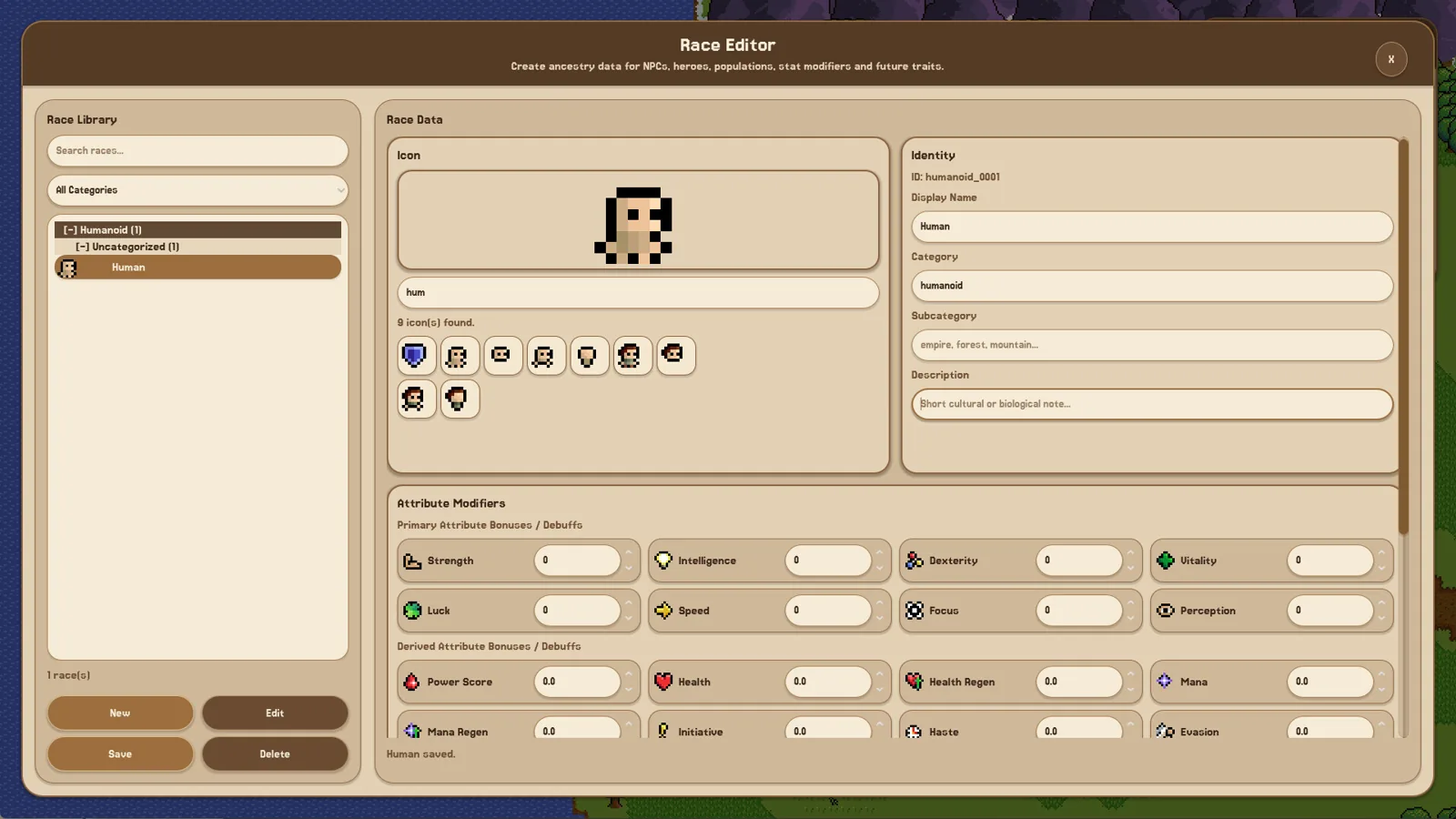
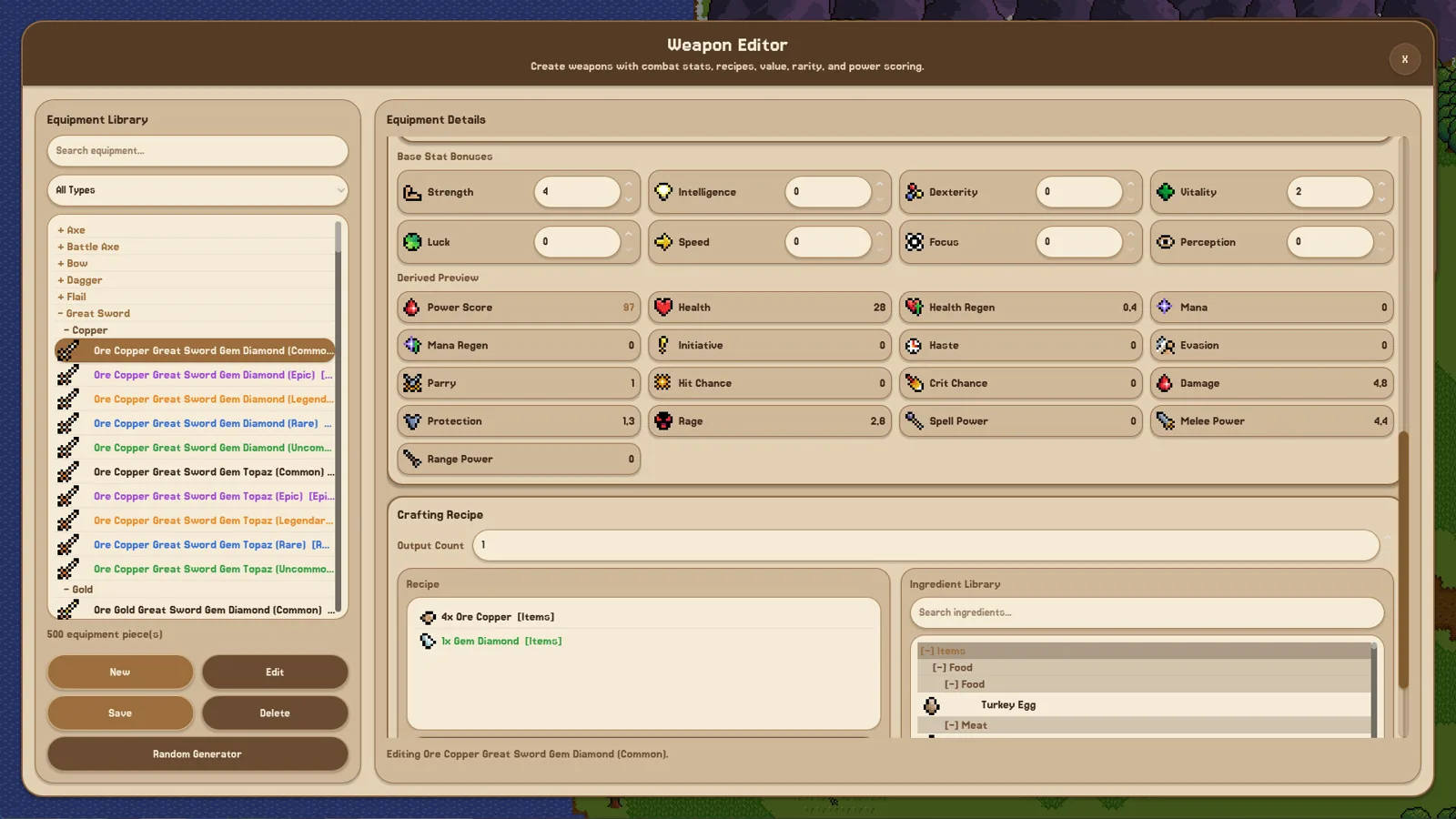
The prefab system lets you import and export editor content, including custom sprites, and the developer has confirmed Steam Workshop support for sharing worlds, prefabs, and sprites. If you have made a race, culture, or temple you like, saving it as a prefab saves you from re-entering it in every new world — the exact pain point visible in the demo playthroughs where a player loses half an hour of setup by starting a new map.
If importing or exporting misbehaves, the generic checks are worth trying first: confirm the content was saved in the editor before exporting, and re-open the editor after import so the asset is registered. These are conditional suggestions rather than documented faults.
What not to expect yet
Fantasy World Manager is in Early Access, and the developer is explicit that the simulation side still has work ahead. Systems such as traits, professions, and diplomacy arrive in stages across patches. If a system looks shallow, the honest move is to check the latest patch notes rather than assume it is broken — and check whether the specific behavior you want was added after the build you are running.
An independent player video account of the demo (YouTube) is a fair illustration of the learning curve: the player builds every required piece, adds POIs, and only then sees people appear, which matches the dependency order above.
FAQ
How do I make people spawn in Fantasy World Manager?
They appear from a city zone that has a faction assigned as owner. Paint and assign the zone to a faction; the faction seeds the initial population. A city zone without an owner will stay empty.
Why is my Fantasy World Manager world doing nothing?
Check the full chain: zone has an owner, the farm zone physically touches the city zone, POIs exist inside the farm zone, and at least one spawn has a count above zero. Also raise the simulation speed and give it a few minutes. Any missing link tends to show up as idle inhabitants.
Is this Fantasy World Manager guide about the Early Access version?
Yes. It reflects what the developer's Early Access announcement and patch notes describe for the 28 October 2026 Early Access launch and the demo builds leading up to it. Systems are still being added, so a specific behavior may differ in a later patch.
Do I need to fill in every editor before playing?
No. The developers' stated direction is prefabs and random generators so you can skip time-consuming entity creation and start with a bundled or imported setup, then customize later.
Related guides for this game
Guide Guides Index
Fantasy World Manager Game Speed: Demo Settings
How time and speed work in the Fantasy World Manager demo: the x1 to x5 time modifiers, how long an in-game year takes at x5, and why the sim feels slow.
Fantasy World Manager how to build houses: POI & Prefab Tips
Houses in Fantasy World Manager are placed as building POIs with footprints and entry markers, then filled by simulated residents; prefabs speed it up.
Fantasy World Manager How to Import and Export Prefabs
How the prefab system works: import/export editor content, the default world prefab, and Workshop sharing planned for Early Access.
Fantasy World Manager How to Spawn Humans in the Demo
In the June 2026 demo, humans are authored as a race and then placed with zone spawn settings — the working order, and what to check when they never appear.
Release Guides Index
Fantasy World Manager Price: $15 at Early Access Launch
Fantasy World Manager launches in Early Access on Oct 28, 2026 at a $15 USD base price, with a 10-20% launch discount and regional pricing.
Fantasy World Manager Release Date: Early Access October 28
Fantasy World Manager launches in Early Access on October 28, 2026 for Windows PC, priced at $15 USD with a launch discount. Here's what the date covers.