
Fantasy World Manager System Requirements
The Steam listing gives 64-bit Windows 10 minimum and recommended specs: 2 GB or 4 GB RAM, a Shader Model 2.0 GPU and 1 GB of storage.
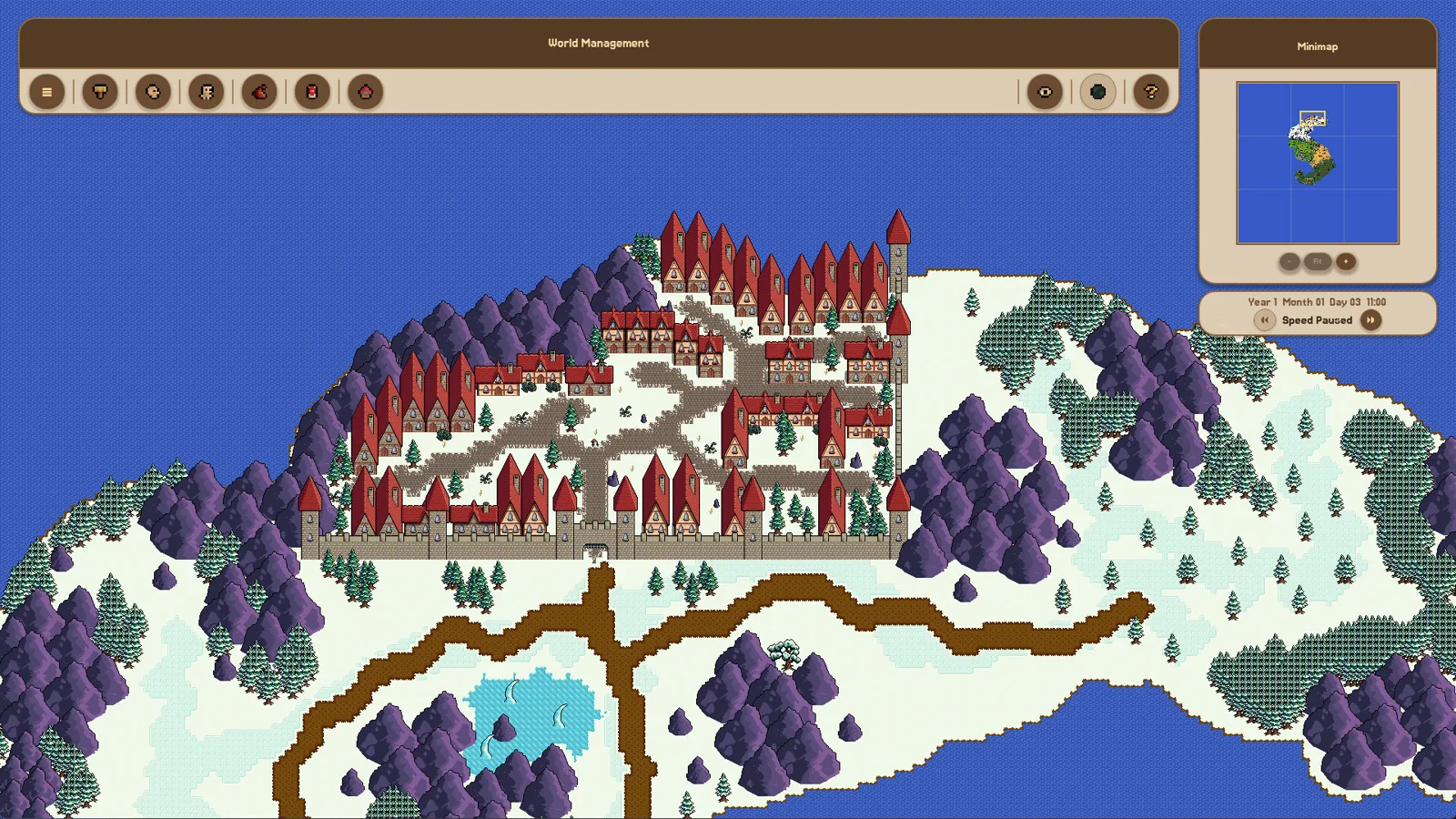
Table of Contents
Fantasy World Manager is a modest-looking worldbuilding and simulation tool, and its published PC requirements are correspondingly light. The official Steam page lists a minimum and a recommended tier; both are 64-bit Windows 10 machines. The game is scheduled to enter Early Access on 28 October 2026, so these are the specs published for the launch window.
The two spec tiers
| Component | Minimum | Recommended |
|---|---|---|
| 64-bit processor and OS | Required | Required |
| OS | Windows 10 | Windows 10 |
| Processor | 2.0 GHz | Dual Core 3.0 GHz |
| Memory | 2 GB RAM | 4 GB RAM |
| Graphics | 128 MB video memory, Shader Model 2.0+ | 256 MB video memory, Shader Model 2.0+ |
| DirectX | Version 9.0 | Version 9.0 |
| Storage | 1000 MB available space | 1000 MB available space |
Two things stand out when you read the columns side by side. First, the only differences between minimum and recommended are the processor, the RAM (2 GB versus 4 GB) and the video memory (128 MB versus 256 MB). Second, the install size is the same on both tiers, so a bigger or faster drive is not being asked for in any published form.
The graphics line describes a capability rather than a model number: 128 MB of video memory that supports Shader Model 2.0 or better, or 256 MB for the recommended tier. Because no specific GPU is named, you compare your own card or integrated graphics against those two attributes rather than against a model list.
Platform scope on the store page
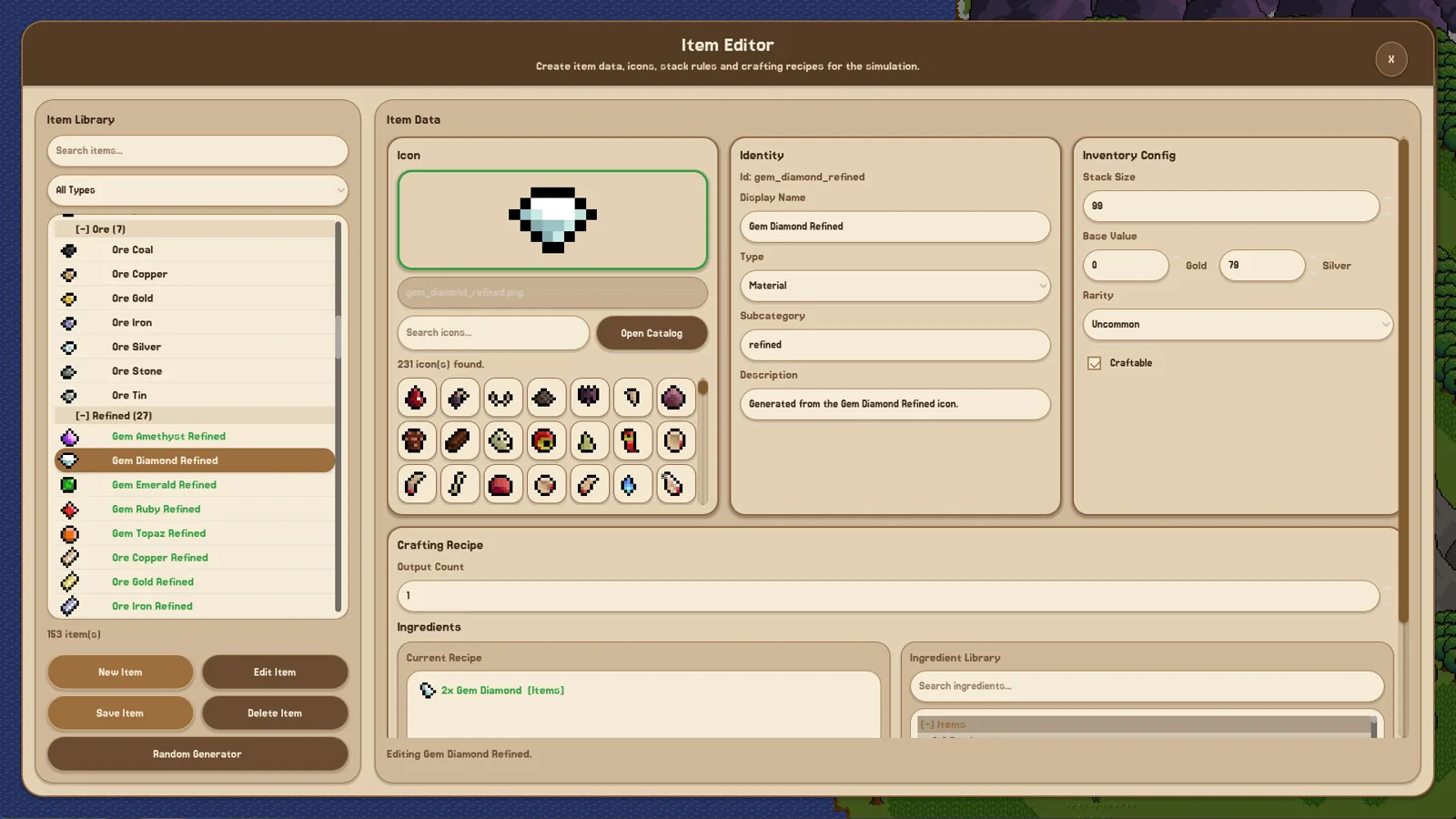
As of 2026-10-24, the official Steam page lists Windows as its platform and its system requirements section contains Windows 10 entries only. A press-key listing for the same game, Keymailer, repeats the identical minimum tier under a "Steam - Windows" heading, which is consistent with the store page rather than adding new information.
If you are shopping for a console or mobile version, note that a Windows-only requirements section on one store page does not say anything about releases elsewhere — it simply is not a spec sheet for those platforms.
Will these numbers stay the same?
The launch is an Early Access one, and the developer describes an intent to expand the game "in pretty much every direction" during roughly a year of Early Access. Store requirements are updated by developers as builds change, so if you are buying months after launch, treat the table above as the 2026-10-24 snapshot and re-read the requirements block on the store page. The same applies if you are comparing the retail build against an older demo: requirements attached to demo builds are not automatically the final figures.
Demo-era tips for low-end machines
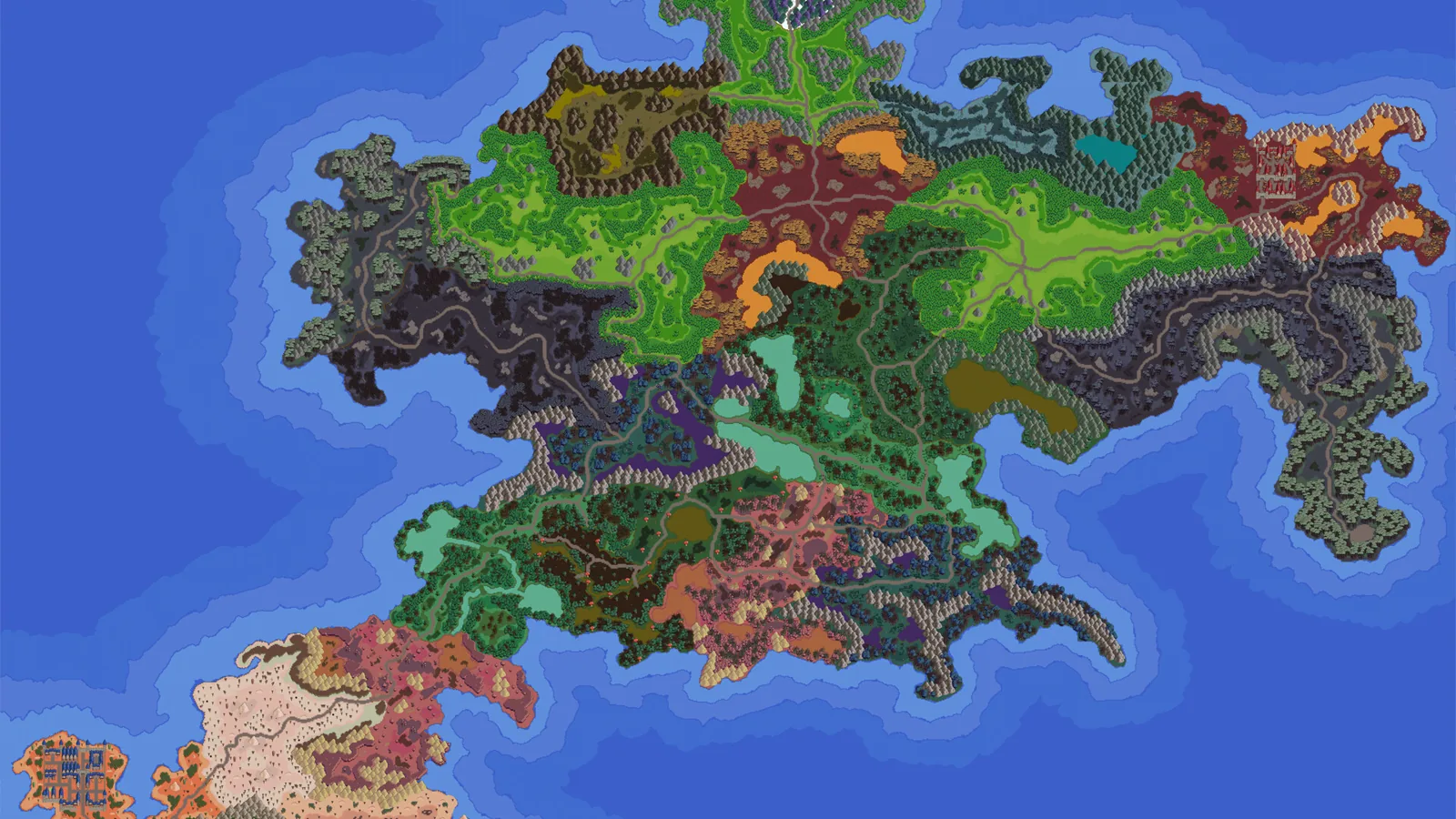
The June 2026 demo produced a few developer notes that are worth knowing if your hardware is near the minimum line. These come from demo patch announcements, so treat them as demo history rather than as confirmed instructions for the Early Access build.
- Full-screen launch problems. One patch note said some players had the game fail to start in full screen, with buttons breaking as a result, and suggested deleting
settings.cfgfrom the Fantasy World Manager folder under%appdata%if the problem did not clear on its own. - Two renderers. The demo shipped with a choice between two renderers, referred to in the notes as launch options. Later notes discussed minimap stability "especially for Compatibility renderer users", which suggests the compatibility path was the fallback for machines that struggled. If a low-end system is your situation, that is the option to look for first — but the Early Access build may present its graphics options differently.
Neither note is a benchmark result, and neither promises that a specific laptop will hit a specific frame rate.
FAQ
What are the Fantasy World Manager system requirements?
At minimum: 64-bit Windows 10, a 2.0 GHz processor, 2 GB RAM, a graphics device with 128 MB video memory supporting Shader Model 2.0, DirectX 9.0 and 1000 MB of free storage. The recommended tier raises this to a dual-core 3.0 GHz processor, 4 GB RAM and 256 MB video memory.
Do I need more disk space for the recommended settings?
No. Both tiers list 1000 MB of available space, so the install size does not change between minimum and recommended.
Does the game require a 64-bit PC?
Yes. The Steam page marks both the minimum and recommended tiers as requiring a 64-bit processor and operating system.
Does the Steam page mention Windows 11?
As of 2026-10-24, the official Steam page lists Windows 10 for both tiers and does not list Windows 11 as a separate entry. If you are on a newer Windows build, the published baseline is still the Windows 10 line.
Related guides for this game
Platforms Guides Index
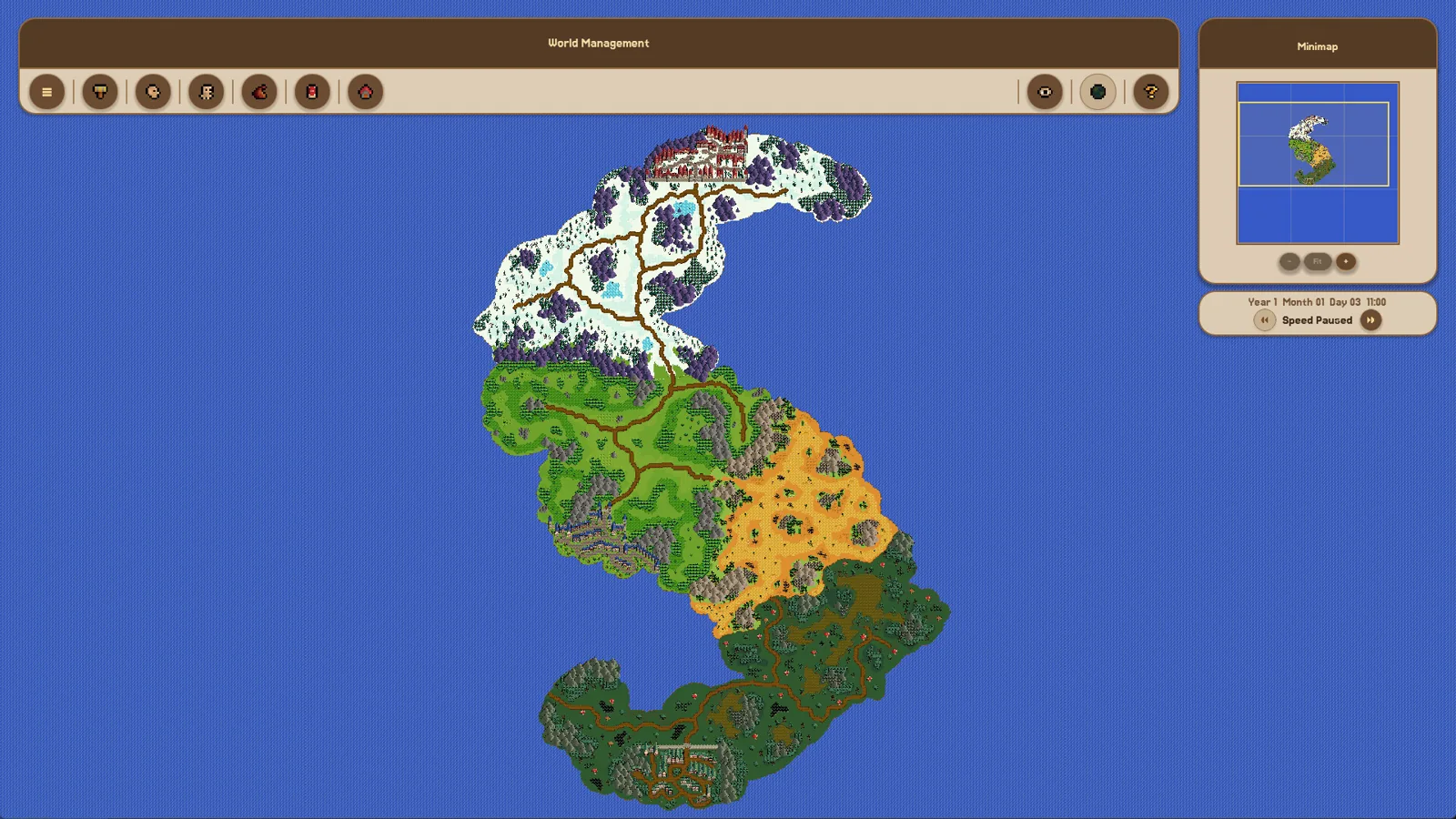
Fantasy World Manager Mobile: Windows-Only Steam Listing
Fantasy World Manager's Steam store page lists Windows as its platform. What that means for mobile players, and what to check before buying.
Fantasy World Manager PS5: Windows-Only Steam Listing
The Steam page lists Windows only and Kotaku lists PC; neither lists a PS5 version. What the Oct 28, 2026 Early Access release includes instead.
Access Guides Index
Fantasy World Manager Demo: What Was Available
The demo launched before Steam Next Fest in June 2026 with locked editors; the official Steam page did not list a demo download as of 24 October 2026.
Fantasy World Manager Download: Where to Get It
Fantasy World Manager isn't downloadable as a full game yet — the Steam page lists Oct 28, 2026 for Early Access. Where to get it, price, and demo status.
Fantasy World Manager Playtest: The Demo Before Launch
No separate playtest sign-up: players tried Fantasy World Manager through the free June 2026 Steam demo ahead of the Oct 28, 2026 Early Access launch.
Community Guides Index
Fantasy World Manager Discord: Finding the Invite
Where the Fantasy World Manager Discord invite is posted, what the server is used for, and what players have done when the link stopped working.