
Fantasy World Manager How to Import and Export Prefabs
How the prefab system works: import/export editor content, the default world prefab, and Workshop sharing planned for Early Access.
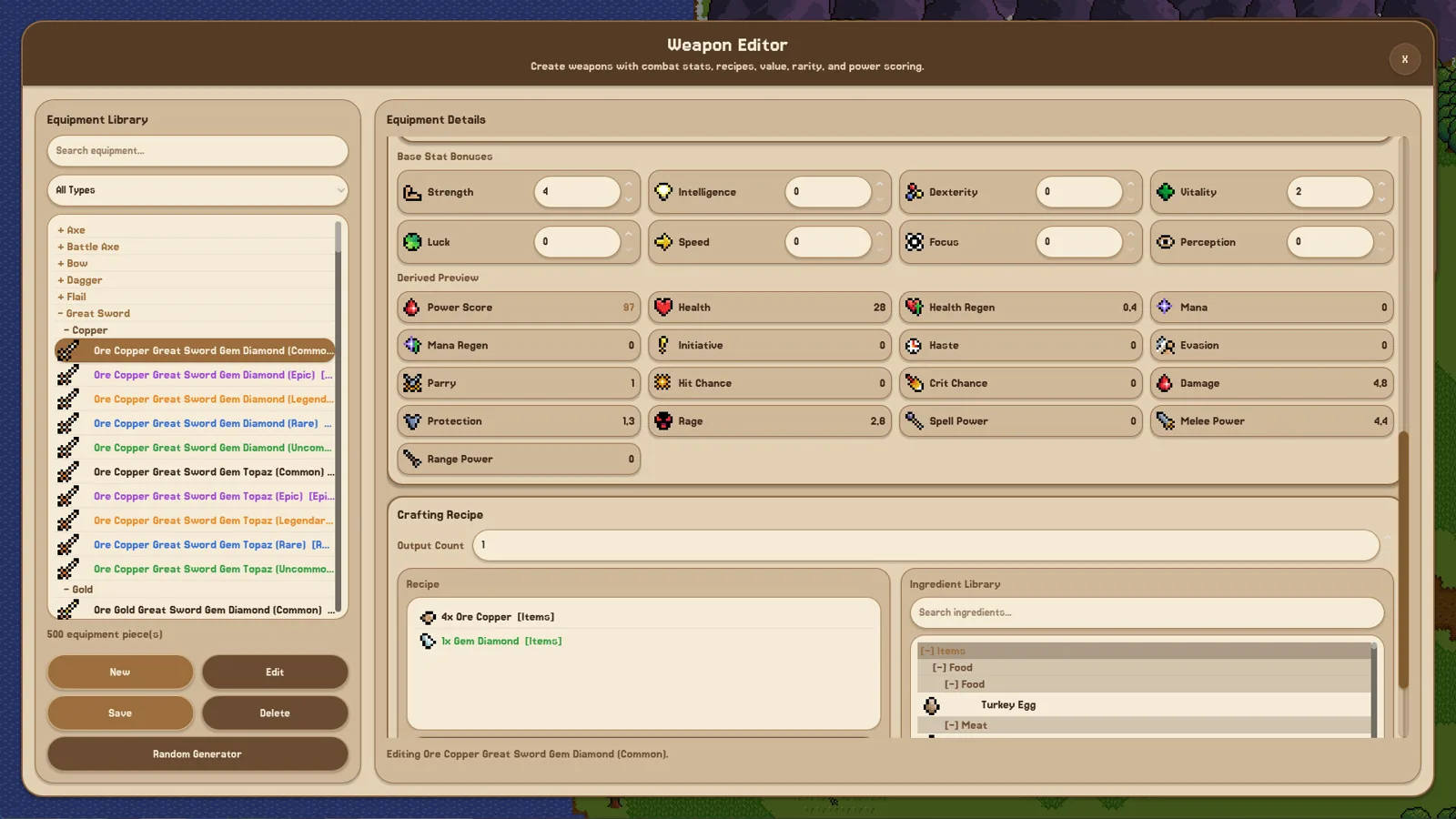
Table of Contents
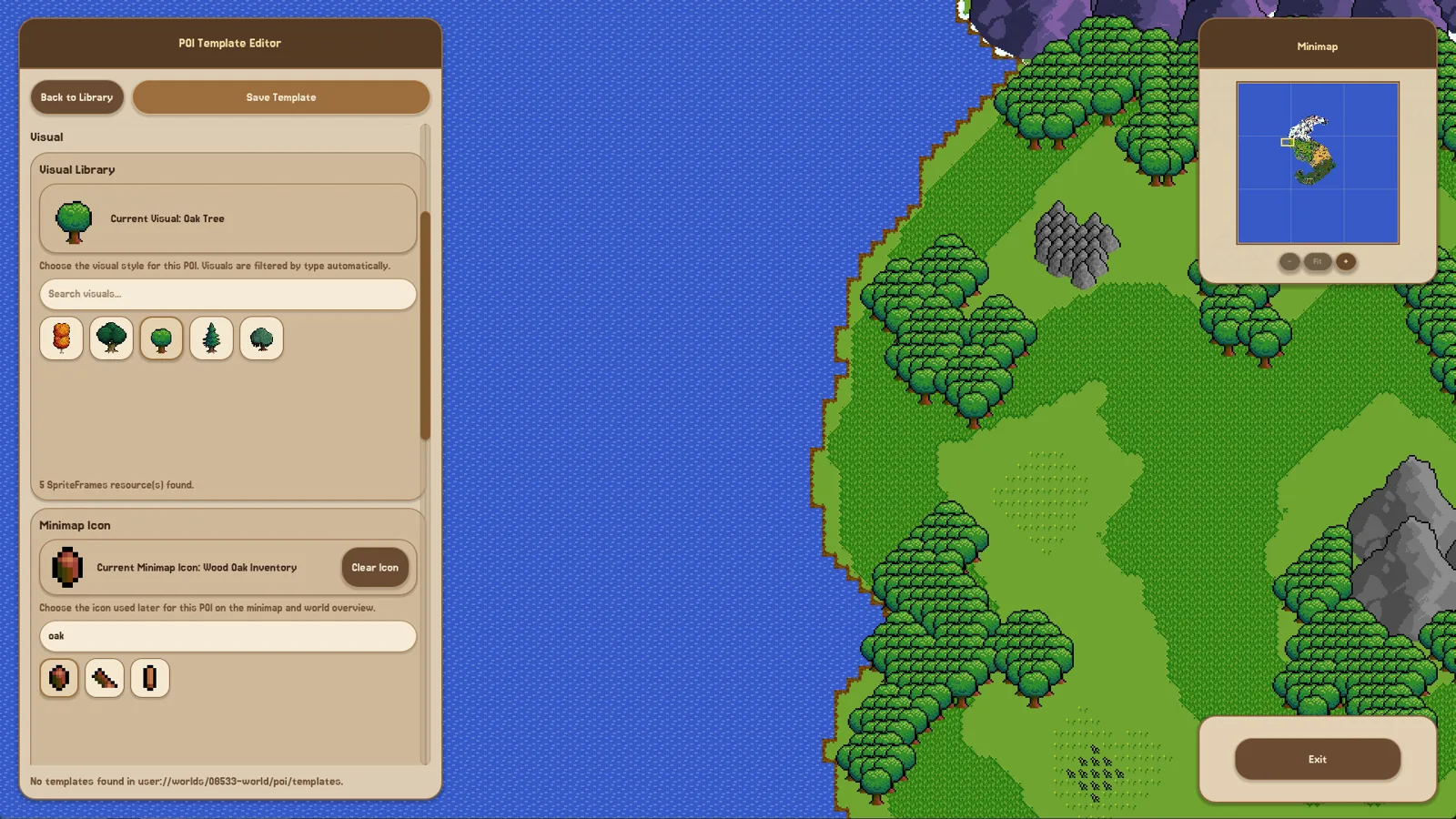
In Fantasy World Manager you import and export prefabs through the game's Prefab System: build something in an editor, save or export it as a prefab, then import it into another world or editor session. Since the June 15, 2026 demo patch, prefabs work across the game's editors, and the developer's announced October 28 Early Access launch adds Steam Workshop sharing so players can upload and download prefabs.
What a prefab is
The developer's patch notes describe prefabs as "pre-created Editor Content that you can import / export." In practice this means:
- You build something once — a map area, a resource, a race, a culture, a religion, or other editor content — and save it as a prefab.
- That prefab can be brought into another world or another editor session instead of being recreated from scratch.
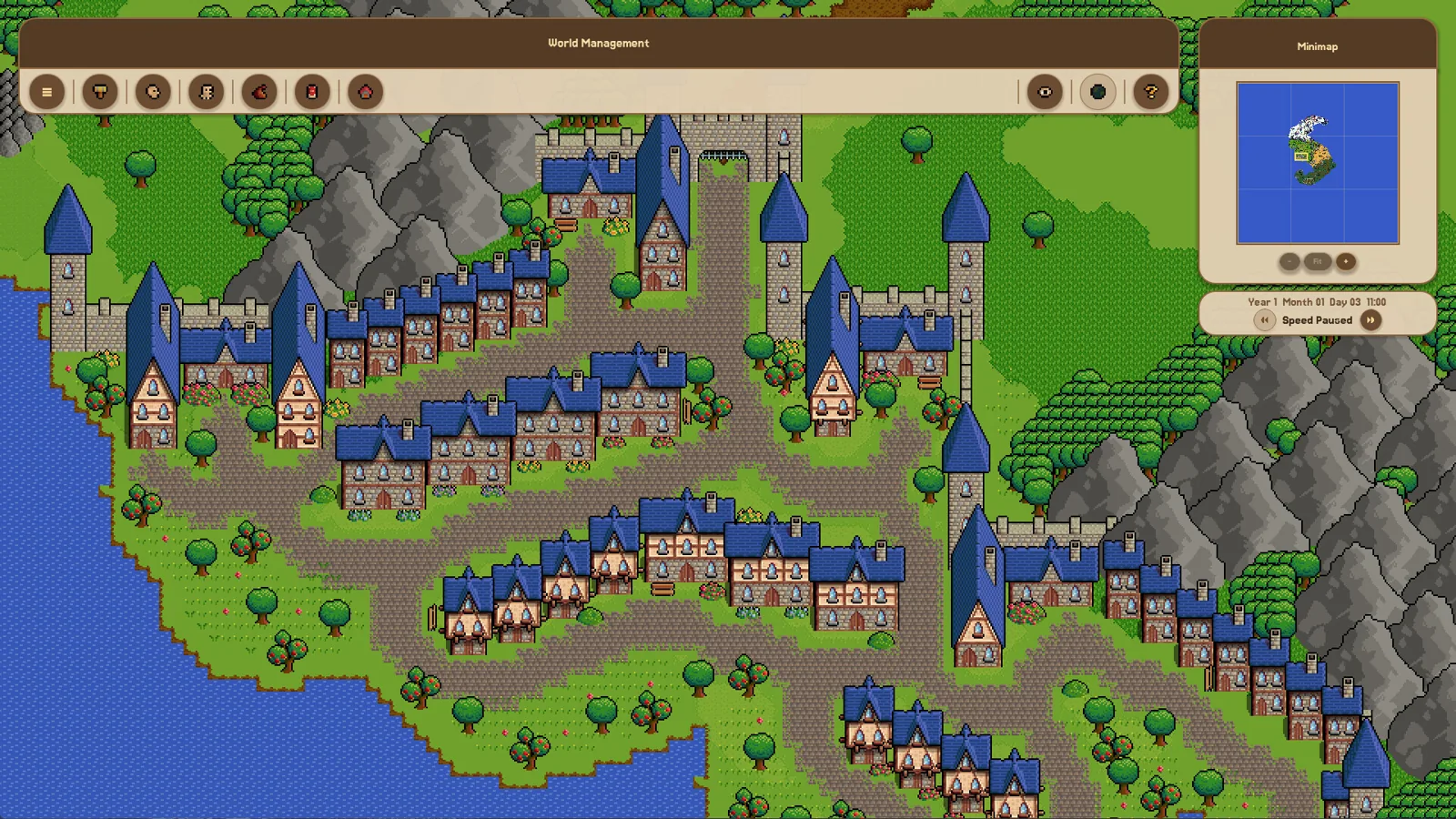
- Imported prefabs become editable world content; the June 18, 2026 demo patch specifically improved this behavior so imported content behaves like things you built yourself.
- The game ships with a default prefab that you can toggle on or off in World Creation when starting a new world.
Players found the manual creation steps in the demo tutorial (painting a map, then creating a resource, race, culture, and religion by hand) overwhelming. The developer replied in a Steam discussion that prefabs and random generators were being added so players would not be forced into time-consuming entity creation.
Importing and exporting step by step
The June 15, 2026 patch notes confirm the workflow, and the developer's June roadmap listed prefabs for all editors:
- Open the editor you want to work in.
- Create your content.
- Export it as a prefab.
- Later, import that prefab where you need it — another world or another editor session.
- After importing, the content becomes editable world content, so you can keep adjusting it.
One honest limitation: the patch notes confirm that the import/export workflow exists but do not publish the exact menu labels or button names. The developer added a Guidebook that opens in every editor with F1, and said it would be extended with in-depth guides. If the buttons in your build are not obvious, that is the intended in-game place to check.
Sharing prefabs through Steam Workshop
In the developer's October 15, 2026 announcement, Fantasy World Manager is set to launch into Early Access on October 28, 2026 with Steam Workshop support. That includes:
- Worlds — share whole creations and explore worlds other players made.
- Prefabs — upload and download custom content created with the game's editors.
- Custom sprites — bring your own artwork into the game and share it.
So in the current demo, import/export is an in-game workflow; the announced Workshop upload/download channel arrives with the Early Access launch.
A note on updates and versions
The Prefab System requires at least the June 15, 2026 demo patch (Patch 5). During Early Access, builds change quickly and the demo received several later patches that adjusted editor and prefab behavior, so if an import acts differently than expected, check the latest patch notes first. The July 2026 patch also added save-file version formats and corruption protection, so a broken update is designed to leave your original saves recoverable.
Where this information comes from
- Official Fantasy World Manager Steam page and developer announcements: store.steampowered.com/app/3447280
- Developer reply in the Steam discussion "World creation is too overwhelming": Steam Community discussion
FAQ
How do I import and export prefabs in Fantasy World Manager?
Use the game's Prefab System: create content in an editor, export it as a prefab, then import it in another world or editor session. Imported prefabs become editable world content. The patch notes do not document the exact buttons, so check the in-editor Guidebook (press F1) for the current controls.
Do prefabs work in every editor?
Yes. The developer's June 2026 roadmap listed prefabs for all editors, and in a Steam discussion he promised "prefabs for everything" so players would not have to manually create every race, culture, religion, or resource.
Can I download prefabs made by other players?
The developer announced that Early Access on October 28, 2026 will launch with Steam Workshop support for prefabs, worlds, and custom sprites, so uploading and downloading player-made prefabs is planned for launch.
What does the default prefab in World Creation do?
It gives you a pre-created starting setup, and you can toggle it on or off when creating a new world — useful if you want to skip the empty-world setup phase and start building right away.
Related guides for this game
Guide Guides Index
Fantasy World Manager how to build houses: POI & Prefab Tips
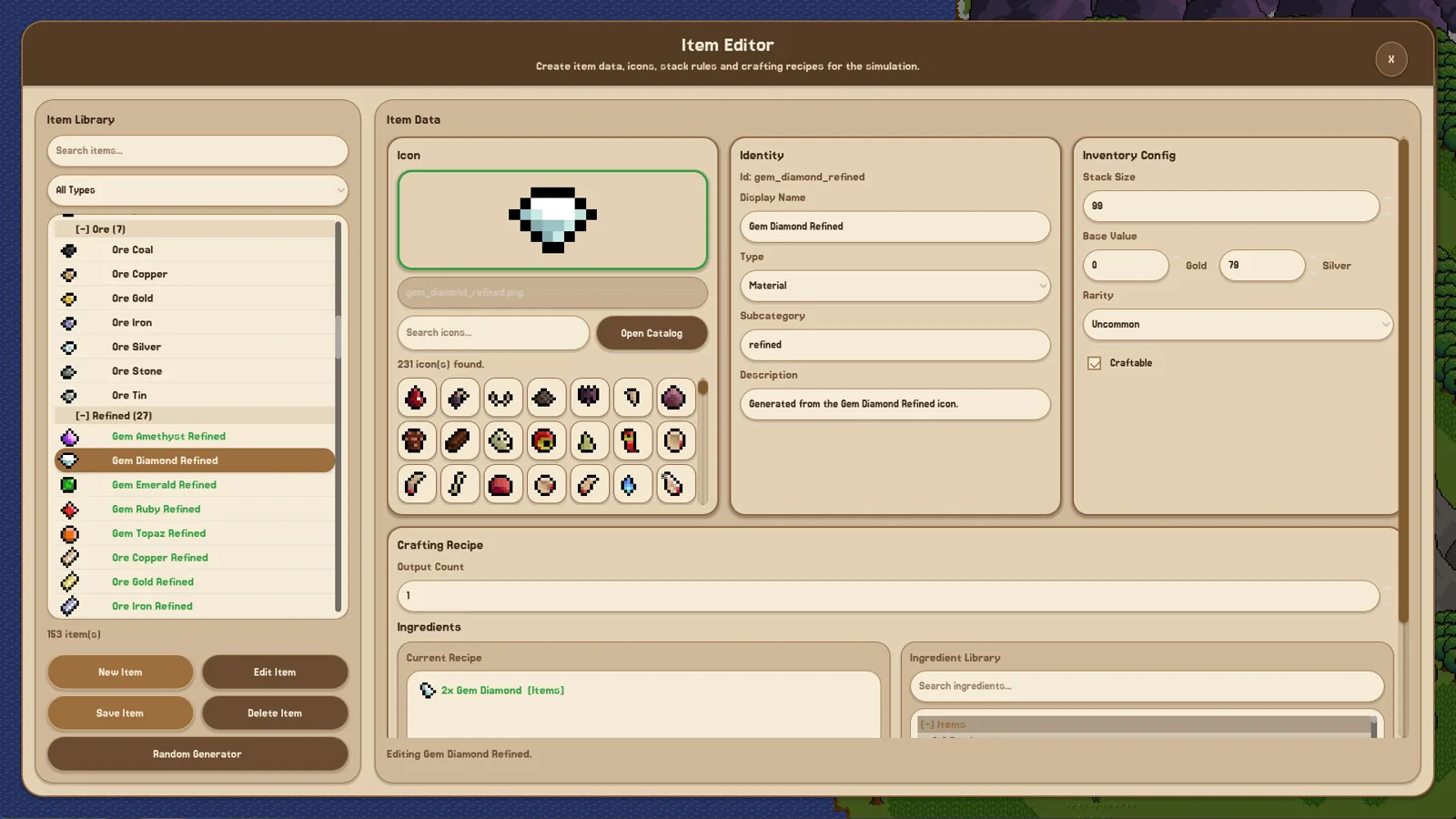
Houses in Fantasy World Manager are placed as building POIs with footprints and entry markers, then filled by simulated residents; prefabs speed it up.
Fantasy World Manager How to Spawn Humans in the Demo
In the June 2026 demo, humans are authored as a race and then placed with zone spawn settings — the working order, and what to check when they never appear.
Fantasy World Manager Game Speed: Demo Settings
How time and speed work in the Fantasy World Manager demo: the x1 to x5 time modifiers, how long an in-game year takes at x5, and why the sim feels slow.
Fantasy World Manager guide: Early Access first steps
A practical Fantasy World Manager guide for the Early Access launch: what to build first, where to start, and what the simulation needs from your world.
Media Guides Index
Fantasy World Manager Trailer: Where and What to Watch
Where to watch the April 2026 announcement trailer, what its scenes cover, and how the demo's simulation compared with the trailer's promises.
Release Guides Index
Fantasy World Manager Roadmap: Status and Confirmed Plans
The Steam 1.0 roadmap is one image the developer calls outdated; here are the plans he has actually confirmed for Early Access.