
Fantasy World Manager how to build houses: POI & Prefab Tips
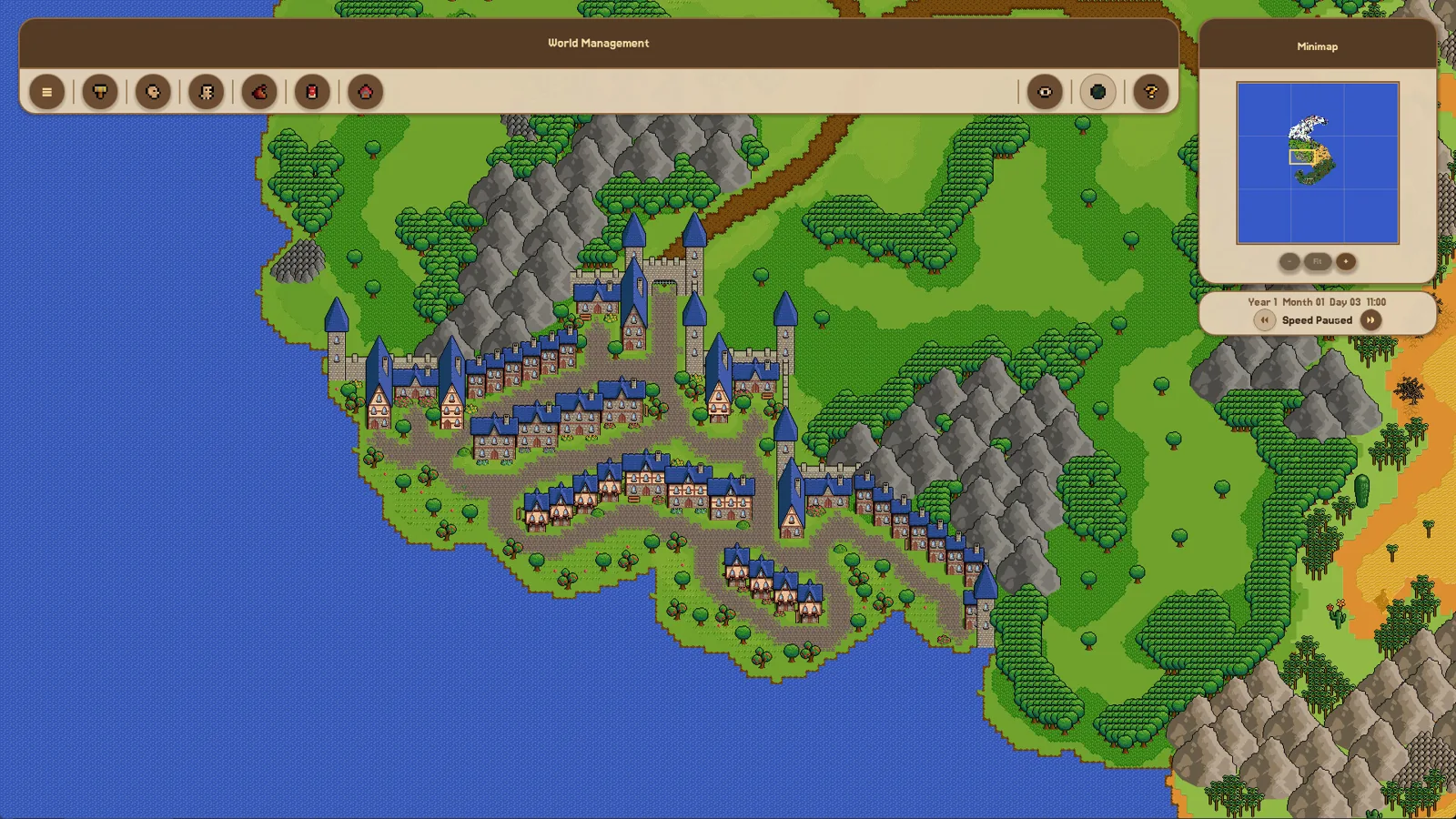
Houses in Fantasy World Manager are placed as building POIs with footprints and entry markers, then filled by simulated residents; prefabs speed it up.
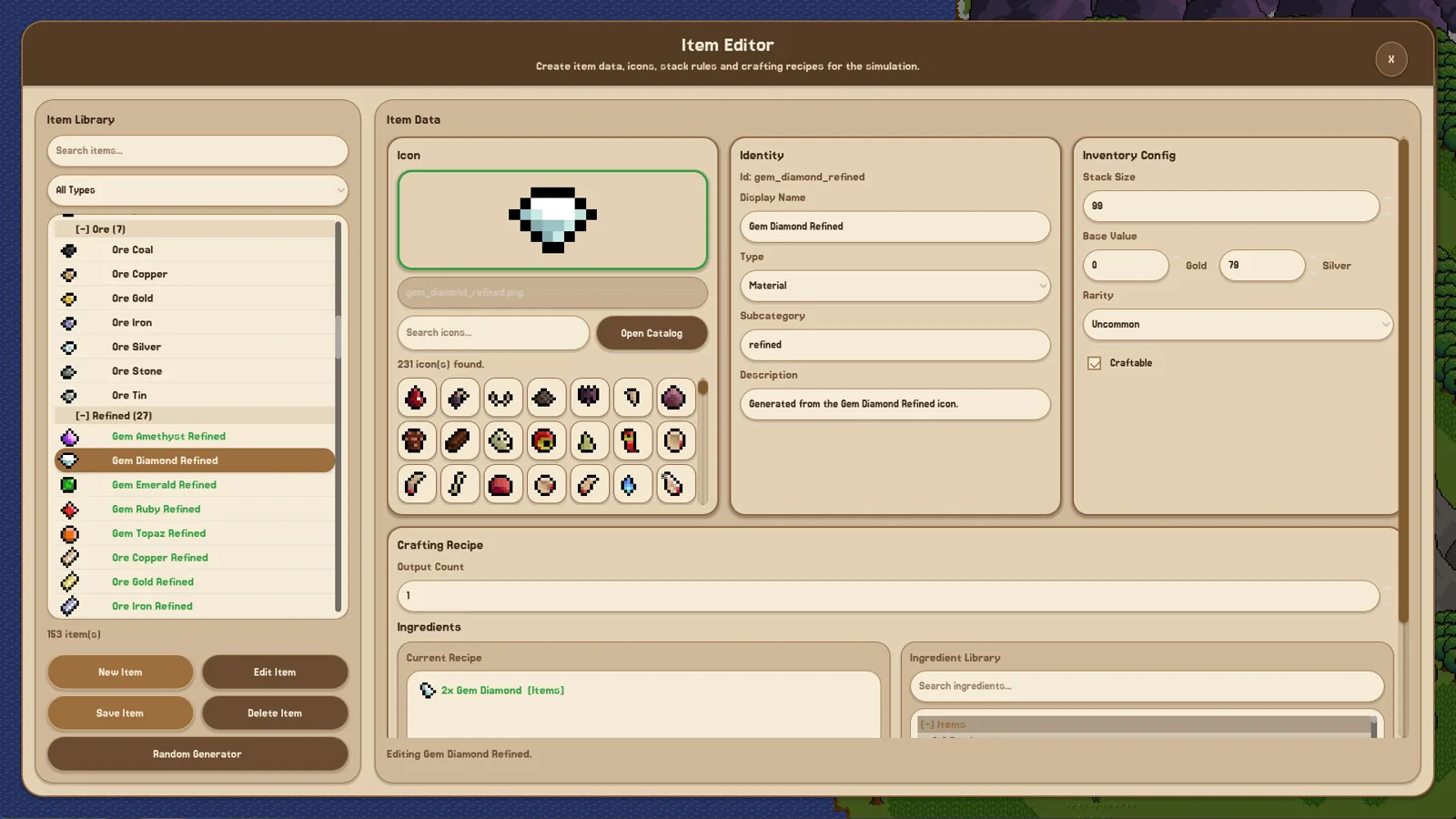
Table of Contents
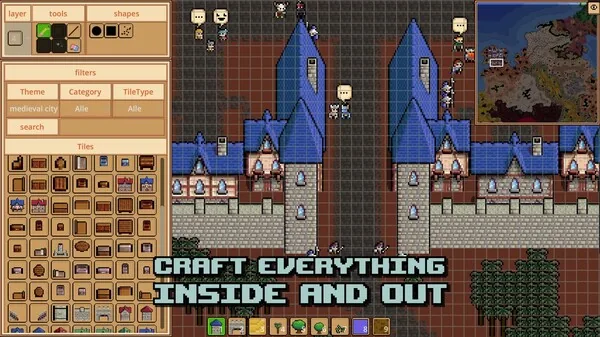
In Fantasy World Manager you don't raise a house wall by wall. Houses are placed as building POIs — map objects with a footprint and an entry marker — and the simulation then treats them as homes your population can move into and sleep in. The game's solo developer treats this as the solid half of the project: in the 15 October 2026 Early Access announcement he wrote that while there is "still alot of work to be done on the Simulation side", he is confident "there are no limits on the Building Side of things."
What "building a house" actually means here
The game is a worldbuilding and simulation toolset rather than a city builder with a construction queue. From the demo patch notes:
- Housing is a POI type. Patch 3 (9 June 2026) lists "Implemented Housing POI Type" in the same batch that switched on housing, families and children, and day/night cycles in which population goes home to sleep.
- Houses have a footprint and an entry. Patch 6 (18 June 2026) added "improved House/Building POIs with footprint-based placement and entry markers" — so each house occupies ground area on your map and has a defined way in.
- Placement happens in the editors. The developer's Early Access description names the Exterior Map and POI editors among the major worldbuilding tools already available.
So the practical task is: put a housing POI on the map, give it the right footprint, make sure its entry marker is sensible, and let the simulation fill it.
Before you place anything
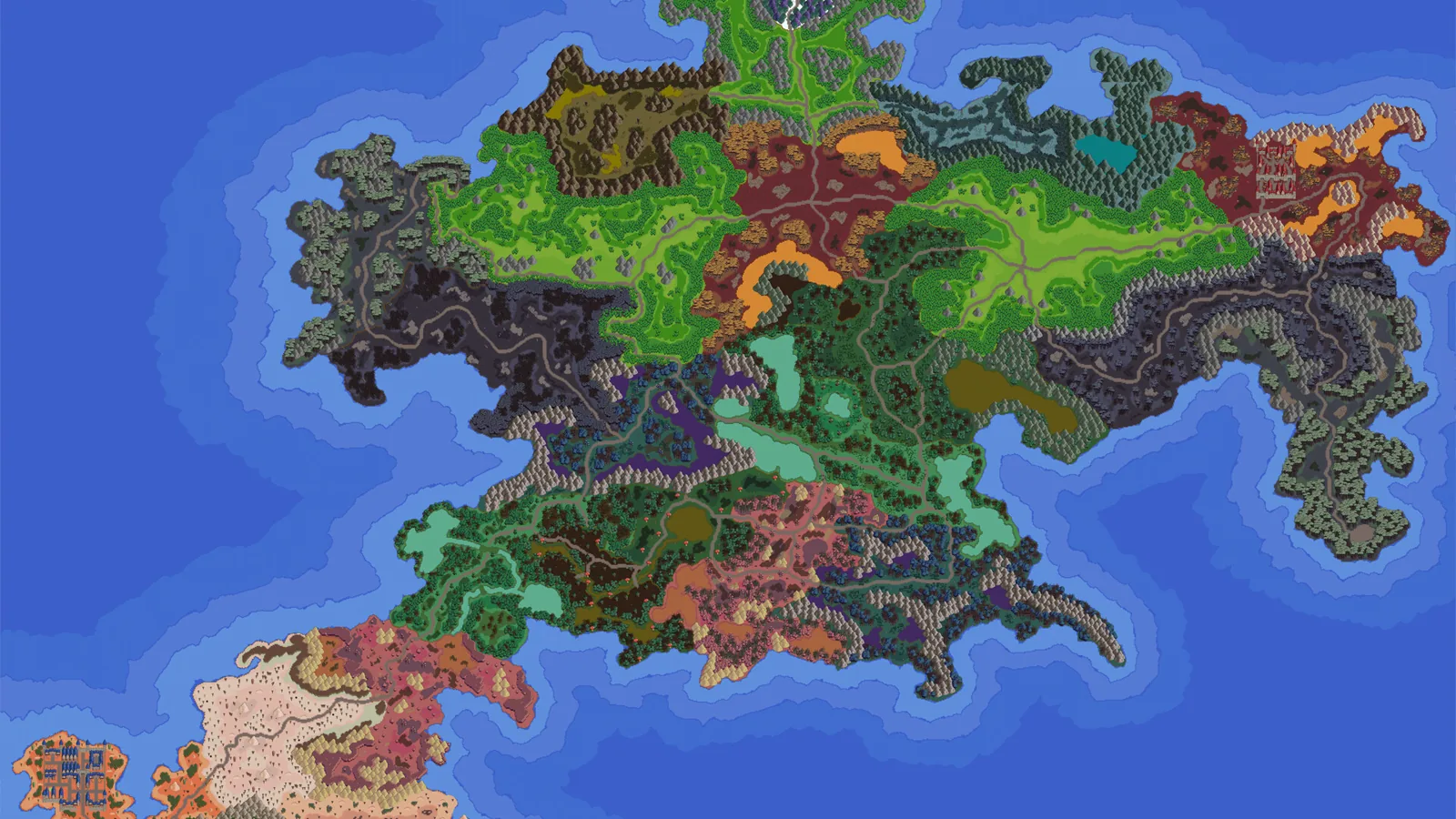
You need a world to build in — the tutorial has you paint an exterior map first — and access to the map/POI editing tools. The official Steam page lists "Includes level editor" among the game's features, which is the general umbrella for this side of the game. If you would rather not start from a blank map, the prefab system added in the June Festival update (15 June 2026) lets you import pre-created editor content, and a default prefab can be toggled on or off during World Creation.
Placing a house
- Open the map and POI editing tools for the world you are working on.
- Choose the housing/building POI type rather than a decoration, farm or other POI category — the type is what tells the simulation this object is a dwelling.
- Place it on the map and set its footprint to match the building's size.
- Check the entry marker so residents have a defined way in.
- Repeat to form a settlement, and use the Zone editor if you want to organise the surrounding area.
Recognising success: the house stops being scenery. With housing active, population uses homes in the day/night cycle — the Patch 3 notes describe population going to sleep in their homes — and families and children are part of the same simulation layer. If you only see a decorative structure and nobody ever treats it as a home, the object is most likely not a housing POI.
The faster route: prefabs and the Workshop
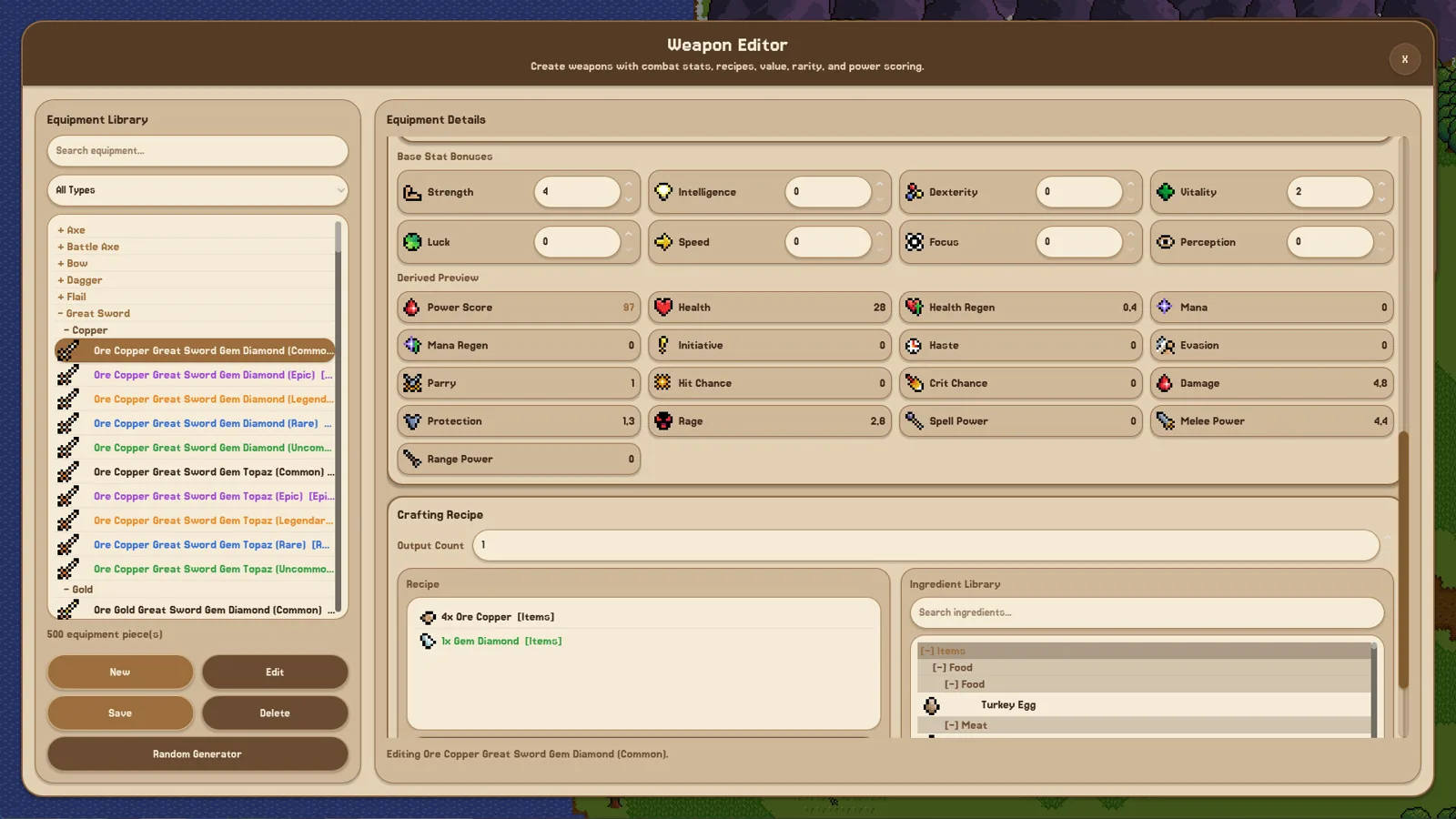
Placing houses one at a time is slow, and the developer's stated answer to that is prefabs. Pre-created editor content can be imported and exported, and at launch the game ships with Steam Workshop support for three categories: Worlds, Prefabs and Custom Sprites (confirmed in the 15 October 2026 announcement). That means a town someone else has already laid out can be dropped into your world instead of rebuilt by hand.
If a placed house doesn't behave like a home
These are things worth checking rather than documented fixes:
- Confirm the object is a housing/building POI and not a decoration or resource POI.
- Confirm the footprint is not overlapping terrain or other objects in a way that blocks placement.
- Confirm the entry marker exists and is reachable.
- Confirm there is a population to house at all — housing only shows its effect once residents exist.
- Confirm the build you are playing actually has housing switched on. The patch notes above are demo-era notes from June–July 2026; the Early Access build unlocks on 28 October 2026, and exact labels may differ from what you see then.
Why it feels so manual
A Steam discussion thread titled "World creation is too overwhelming" (6 June 2026) captures the common complaint: the tutorial has you paint a map with no restrictions and define races, cultures and religions from scratch. The developer replied that prefabs would be added for everything, plus random generators for interfaces that lacked them, so players are not forced through time-consuming creation. House placement sits in the same editor-first design — powerful, but front-loaded with setup work.
FAQ
How do you build houses in Fantasy World Manager?
You place them as housing/building POIs on the map rather than constructing them from materials: pick the housing POI type, set its footprint, and check its entry marker so the simulation can use it as a home.
Do I have to place every house by hand?
No. The prefab system lets you import pre-created editor content, a default prefab can be toggled during World Creation, and Workshop support at launch covers Worlds, Prefabs and Custom Sprites.
Why are the houses I placed standing empty?
Start by checking that the object is a housing POI rather than decoration, that its entry marker is present, and that your world actually has residents. Housing only shows up in behaviour once population exists to use it.
Can I share the towns I build?
The 15 October 2026 announcement confirms Steam Workshop support at launch for Worlds, Prefabs and Custom Sprites, so player-made layouts can be uploaded and downloaded.
Related guides for this game
Guide Guides Index
Fantasy World Manager How to Import and Export Prefabs
How the prefab system works: import/export editor content, the default world prefab, and Workshop sharing planned for Early Access.
Fantasy World Manager How to Spawn Humans in the Demo
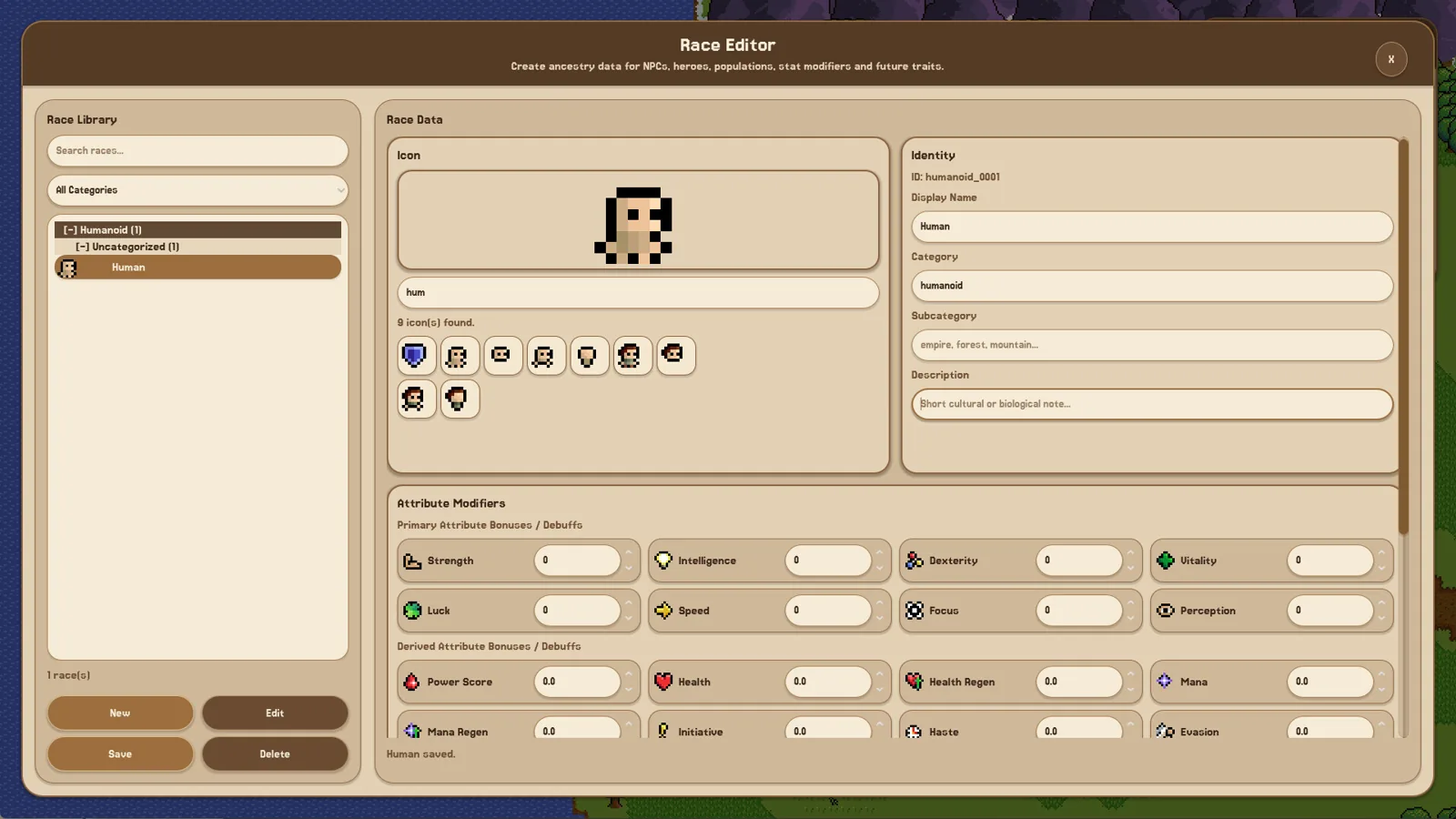
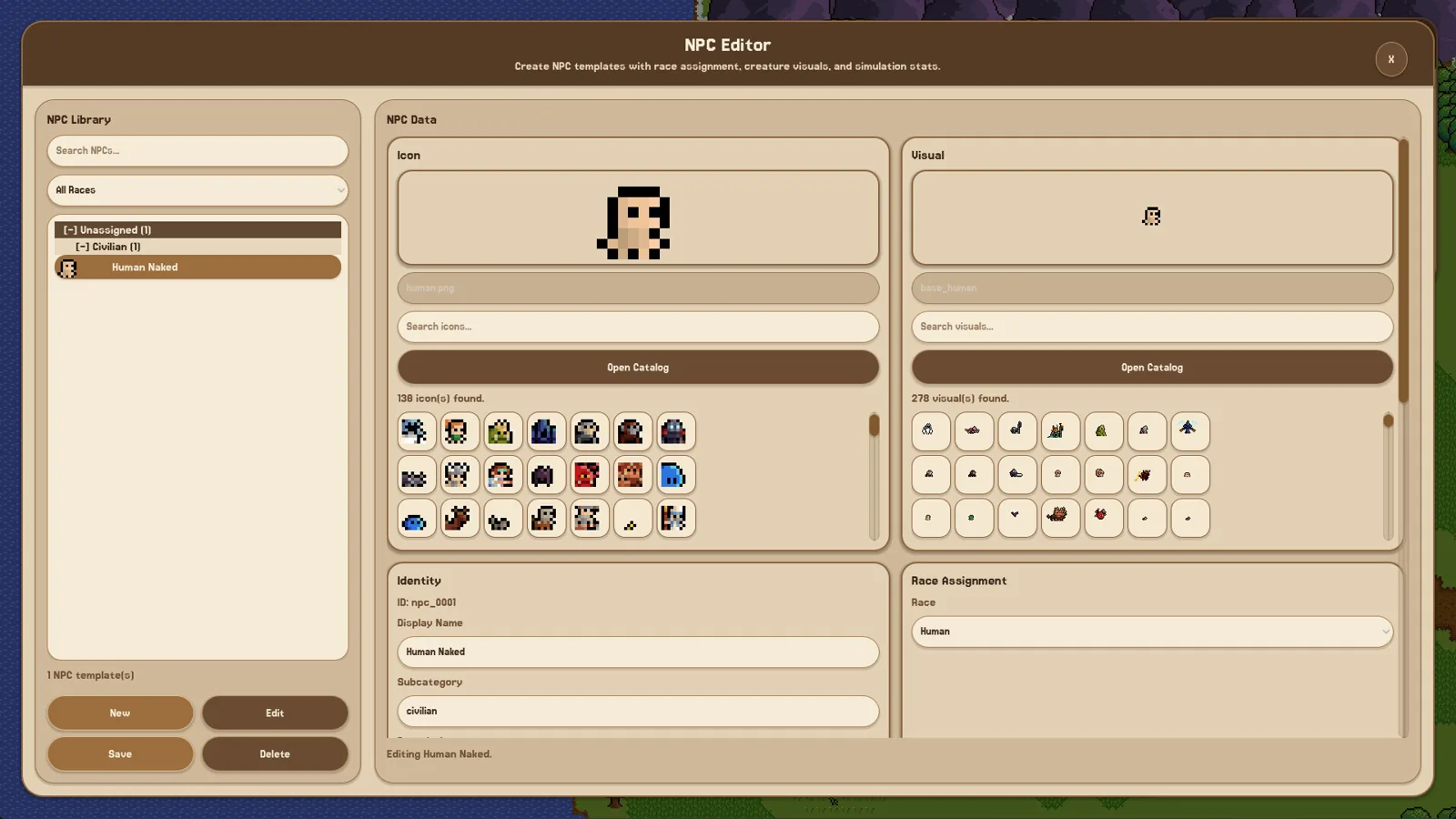
In the June 2026 demo, humans are authored as a race and then placed with zone spawn settings — the working order, and what to check when they never appear.
Fantasy World Manager Game Speed: Demo Settings
How time and speed work in the Fantasy World Manager demo: the x1 to x5 time modifiers, how long an in-game year takes at x5, and why the sim feels slow.
Fantasy World Manager guide: Early Access first steps
A practical Fantasy World Manager guide for the Early Access launch: what to build first, where to start, and what the simulation needs from your world.
Comparison Guides Index
Fantasy World Manager vs WorldBox: Build It or Watch It?
Fantasy World Manager is a build-it-yourself world sim; a WorldBox-style automatic mode is planned, not the main mode.
Media Guides Index
Fantasy World Manager Gameplay: Build Then Watch
Fantasy World Manager gameplay: paint a map, define items, races and factions in editors, then watch heroes and settlements simulate it.